Module 3 Formstorming

Weekly Activity Template

Edith Yago — Design for a Living System


Project 3


Module 3

This project explores creative ways of collecting and representing data by integrating physical interaction with digital visualization. Using tools like Makey Makey, it connects touch-based inputs to a unified interactive system that blends analog and digital experiences.

Activity 1
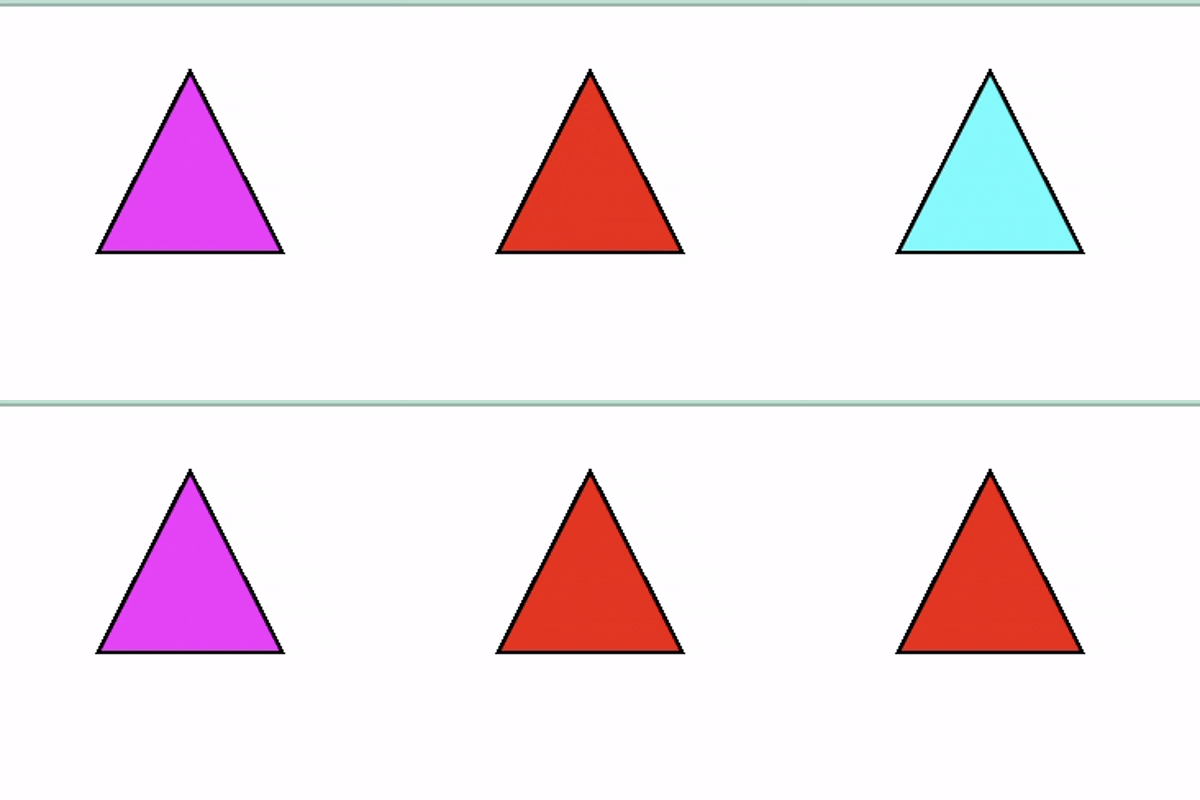
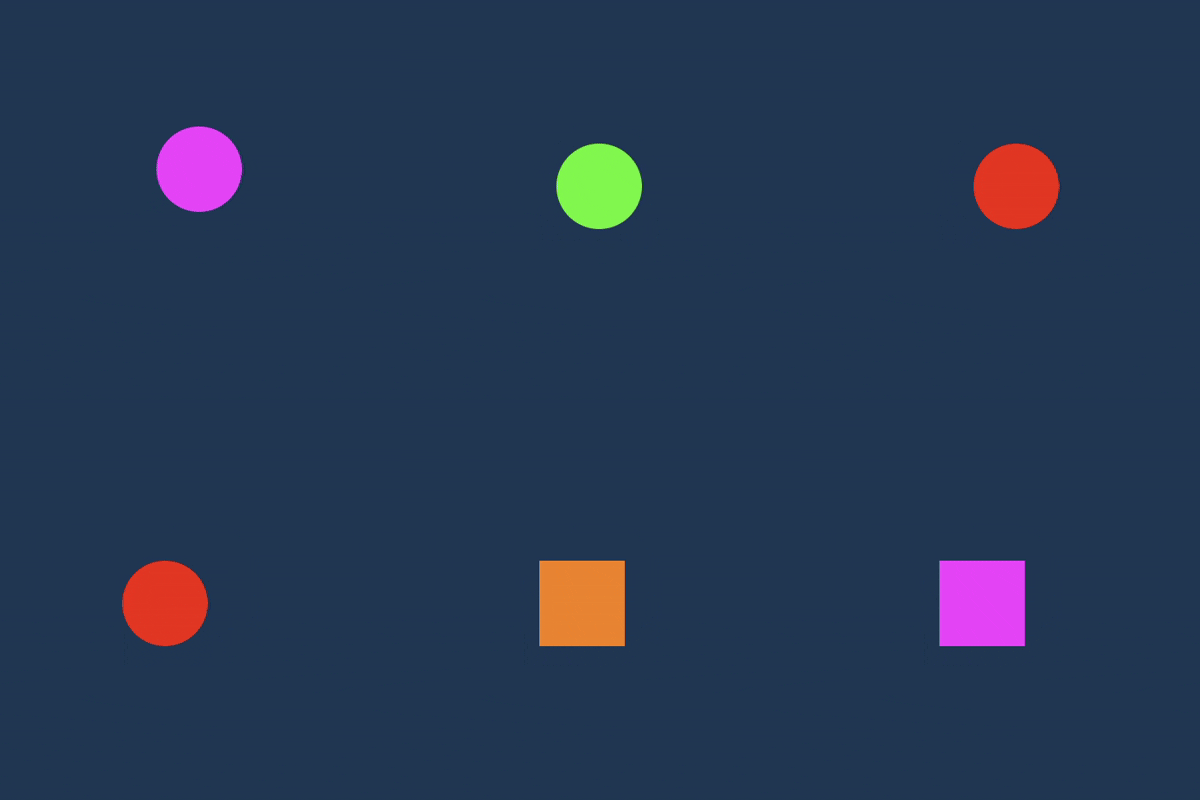
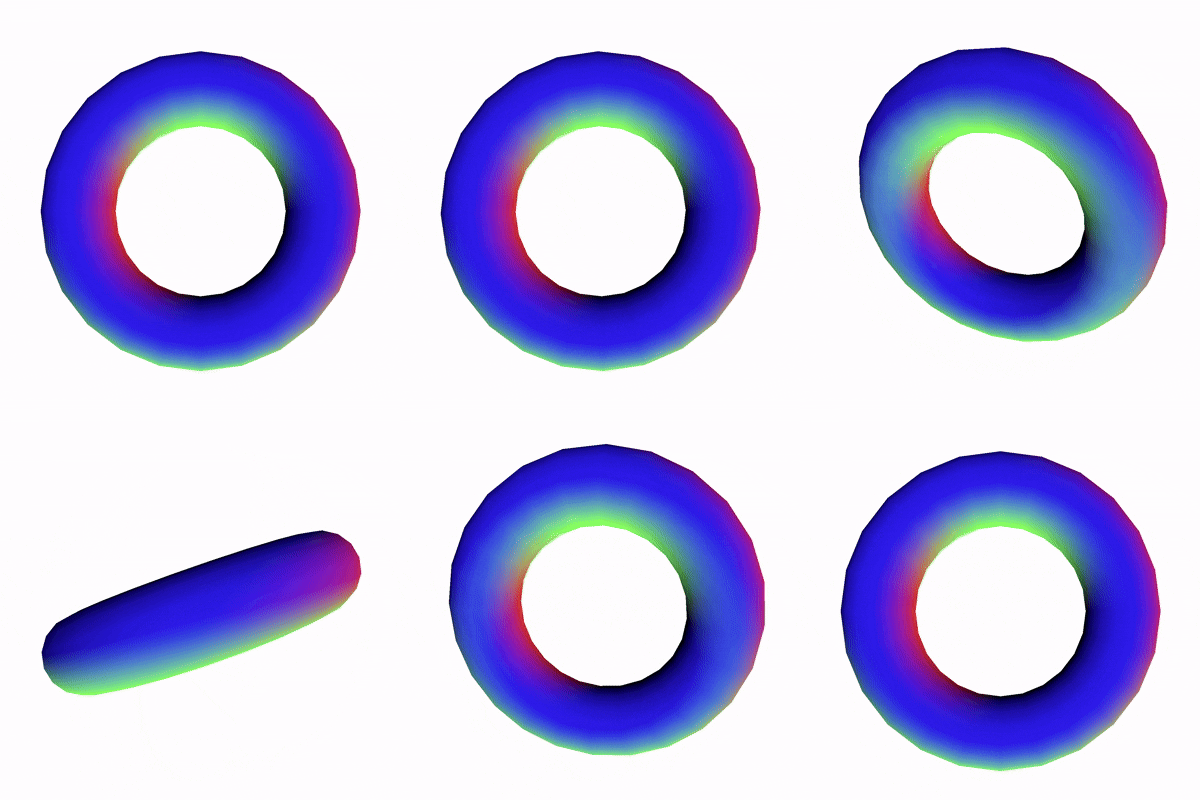
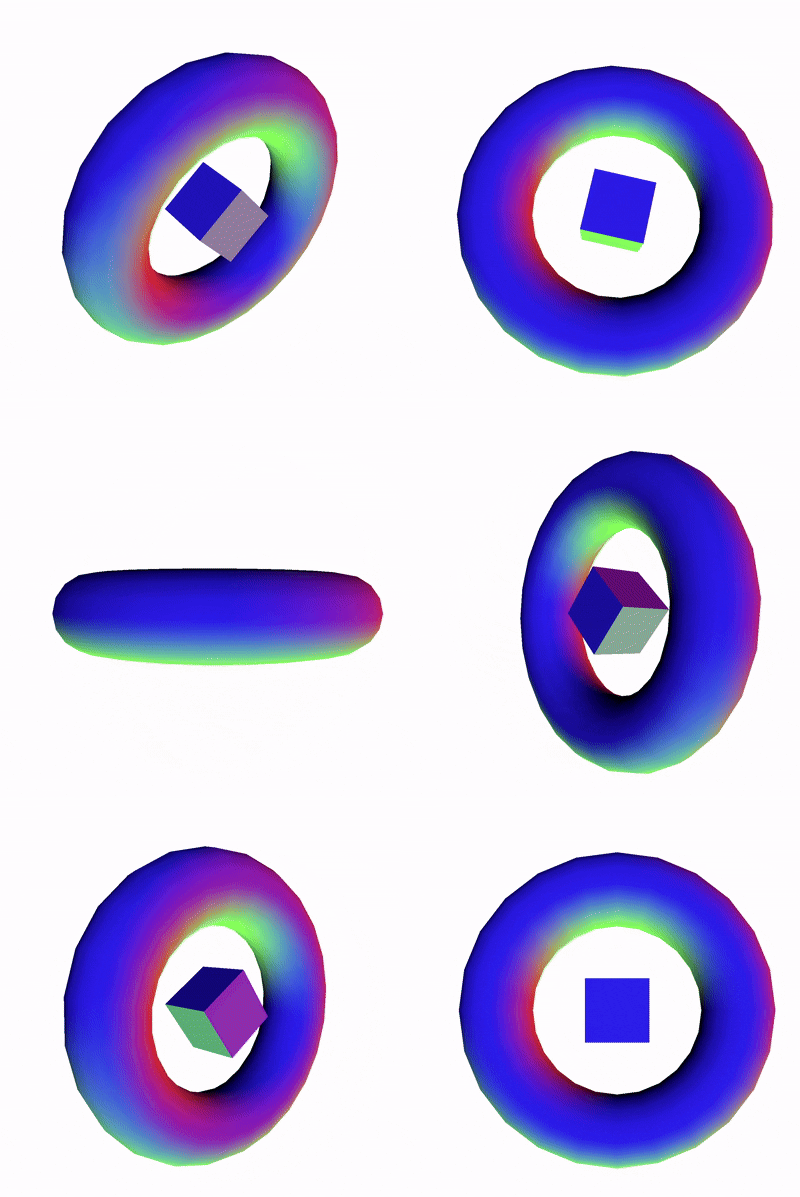
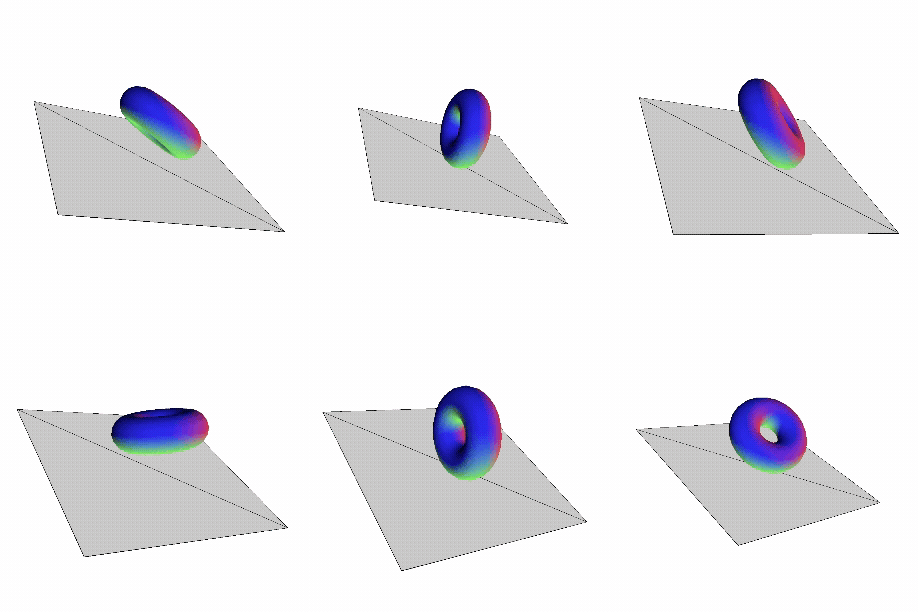
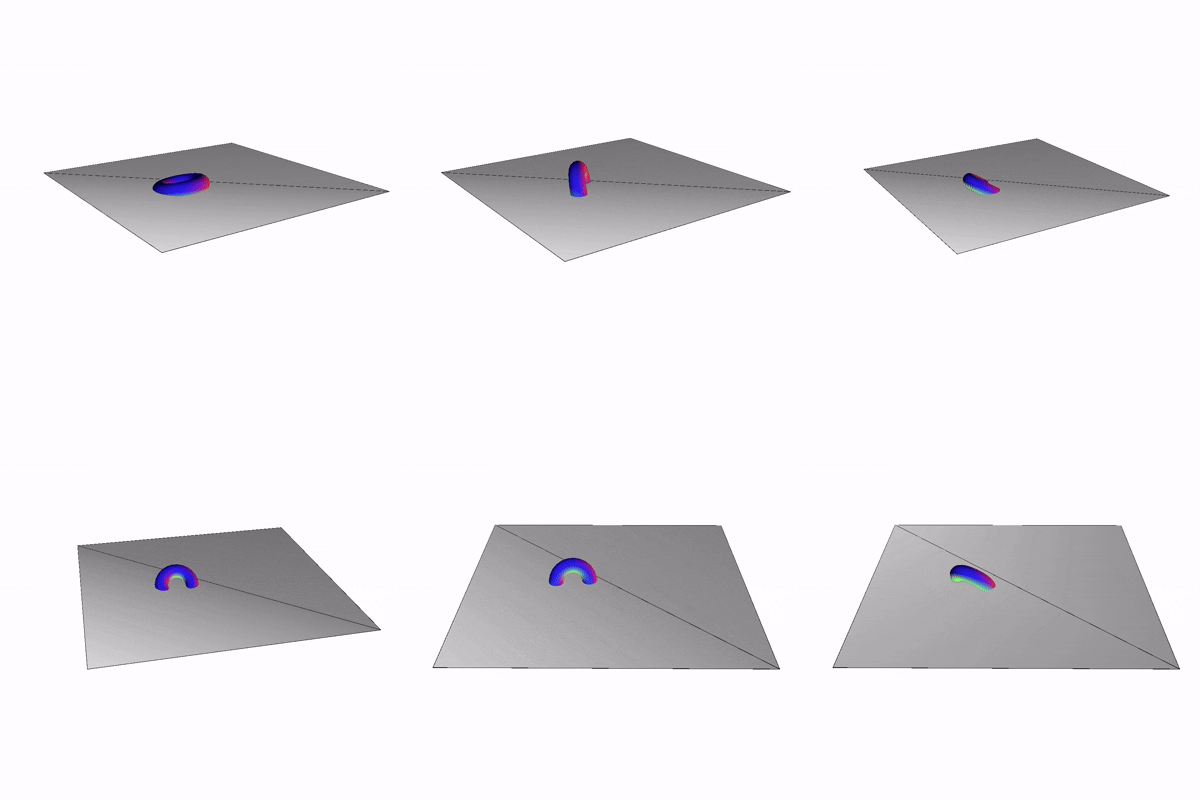
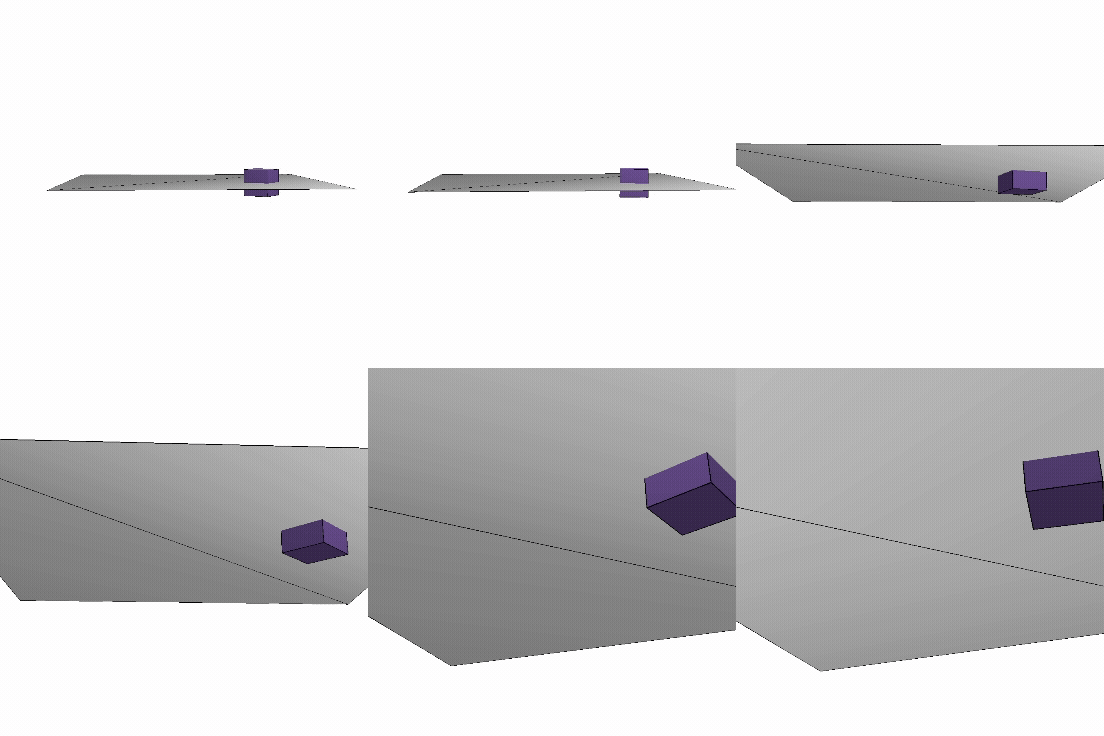
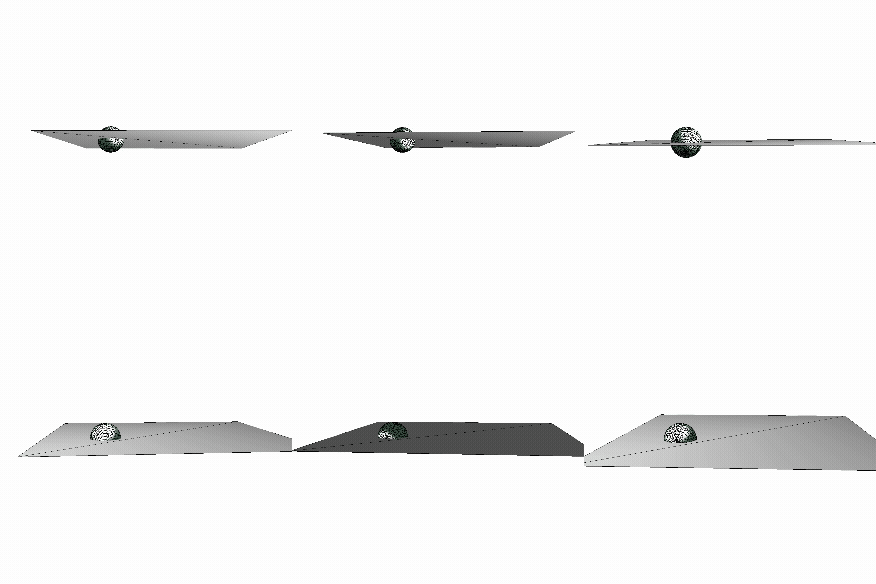
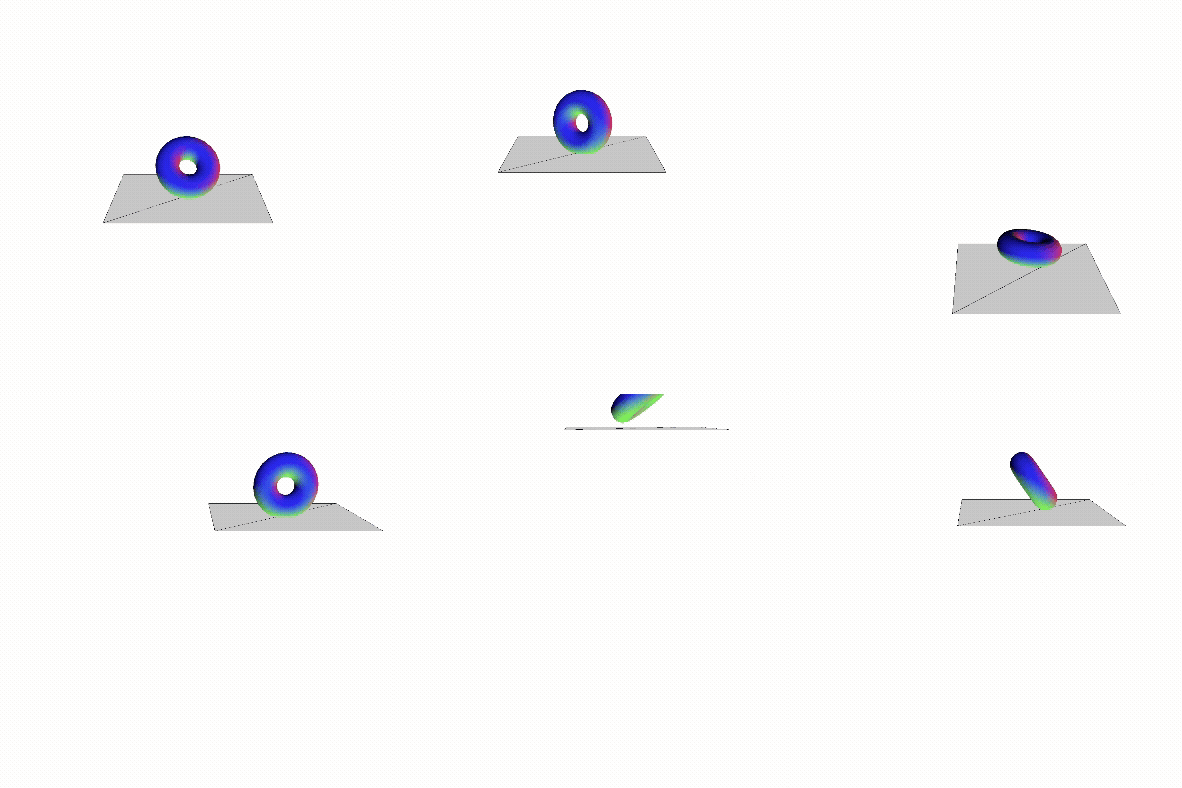
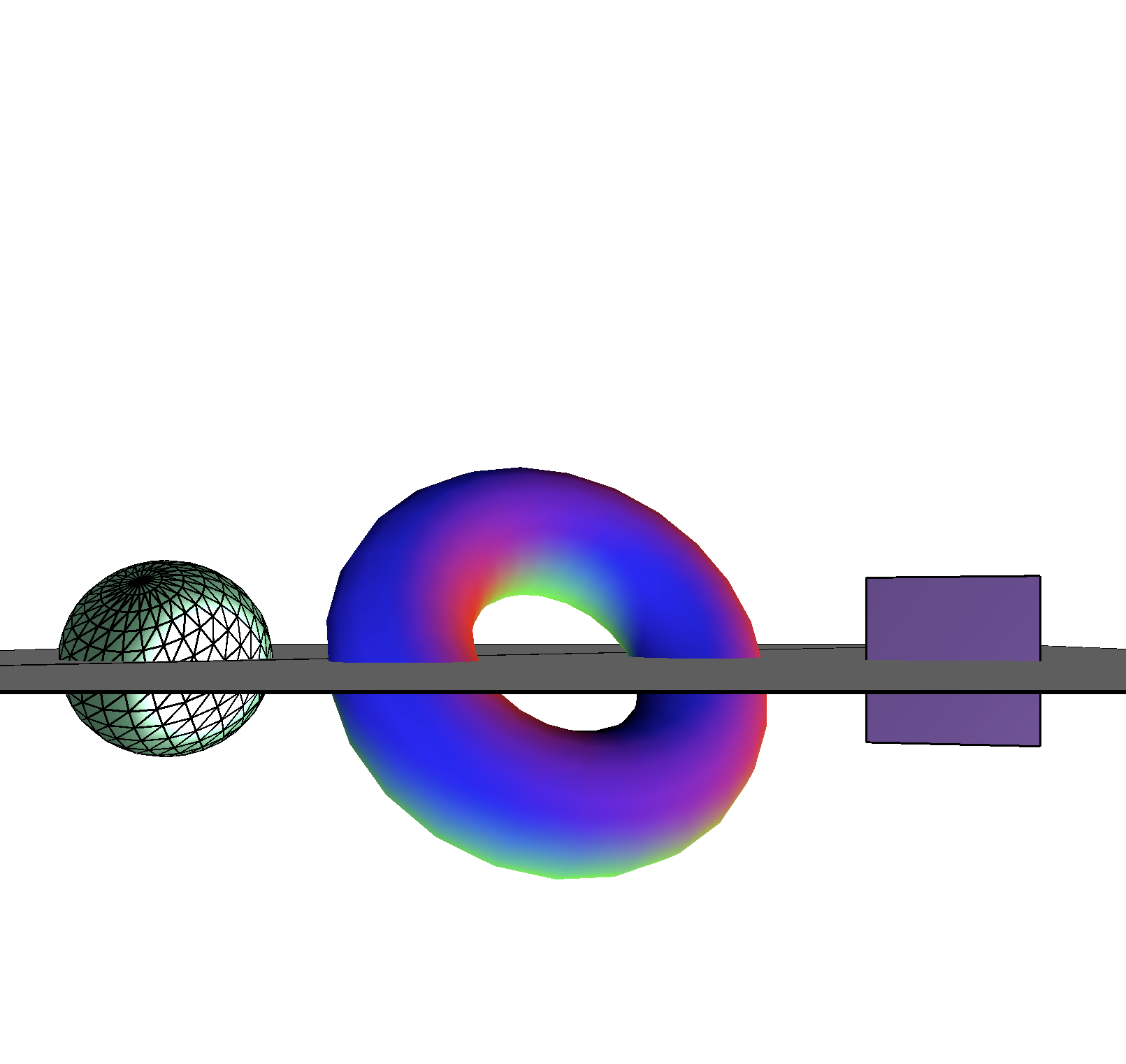
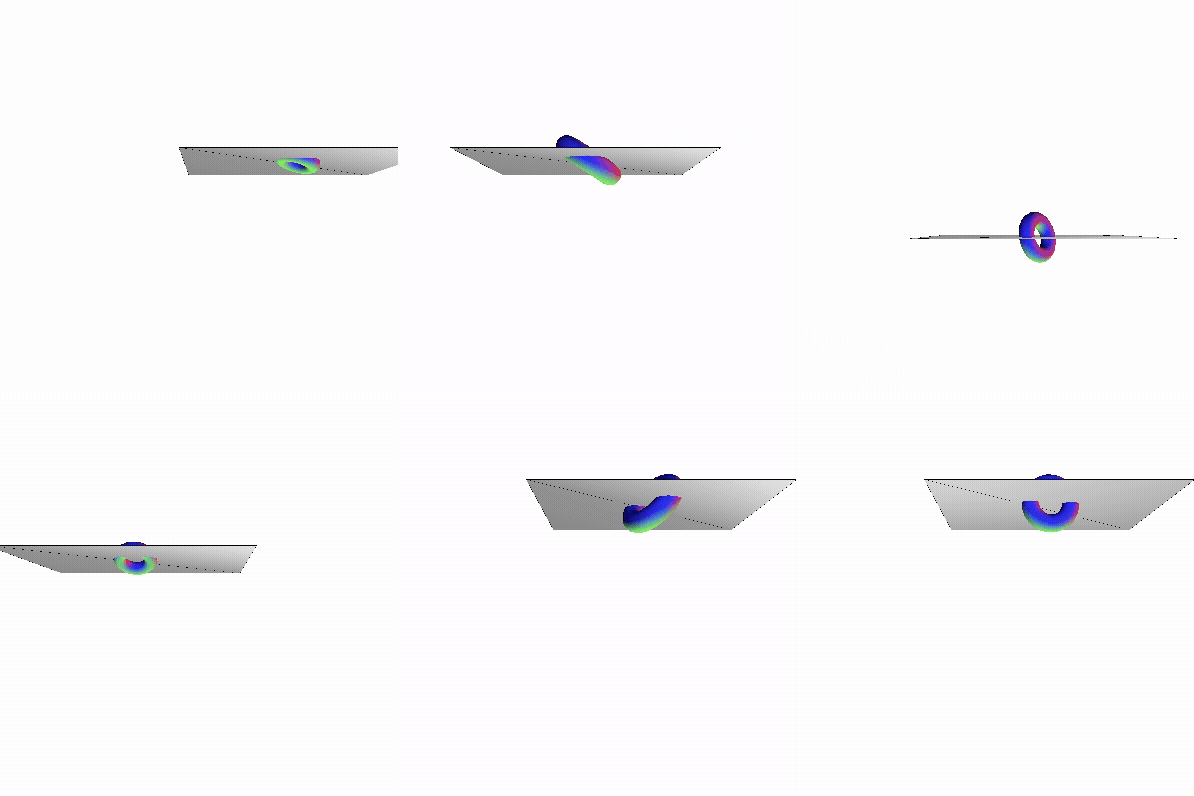
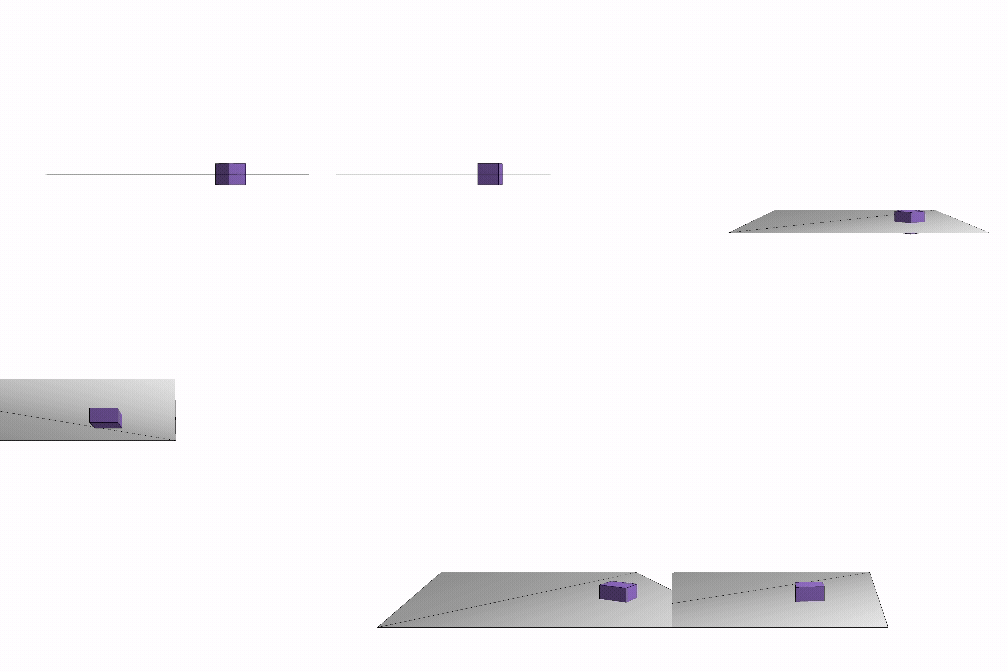
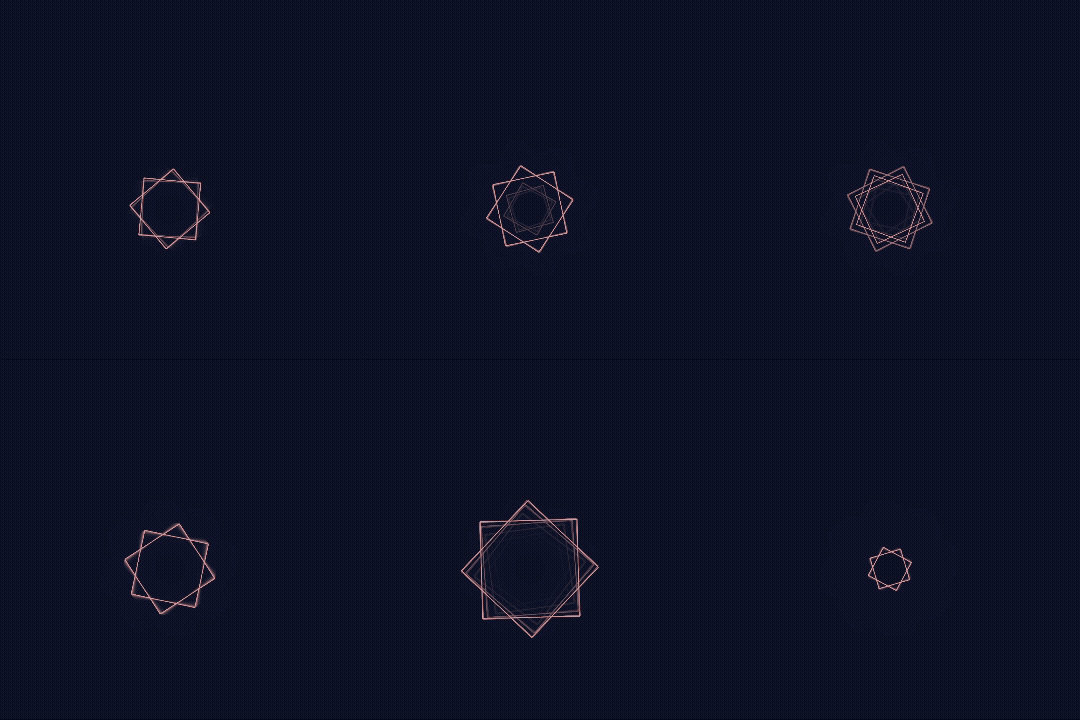
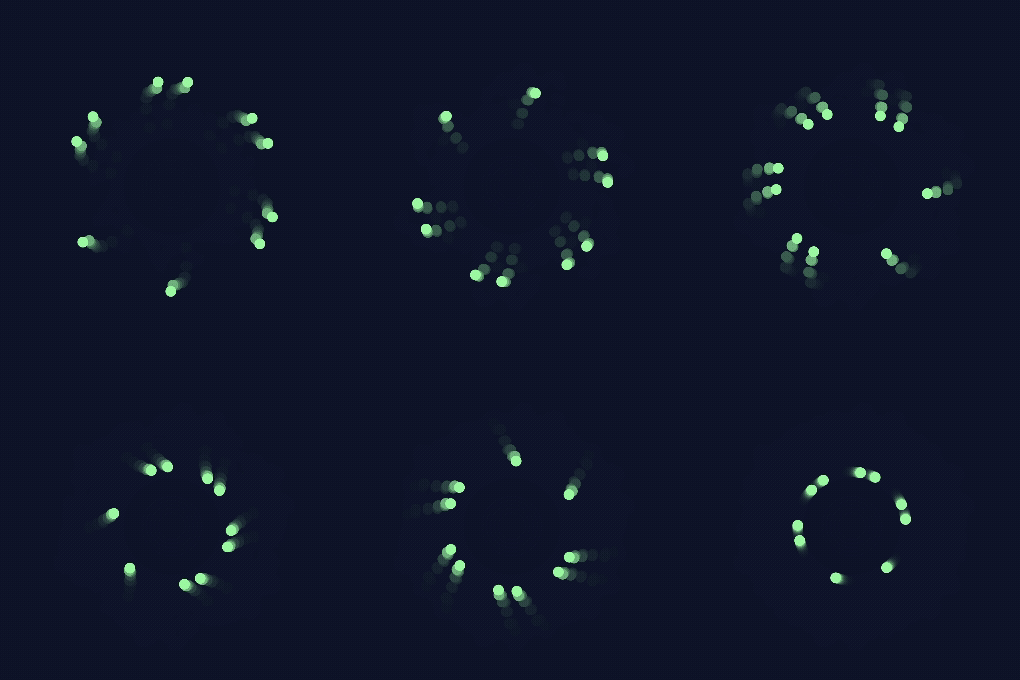
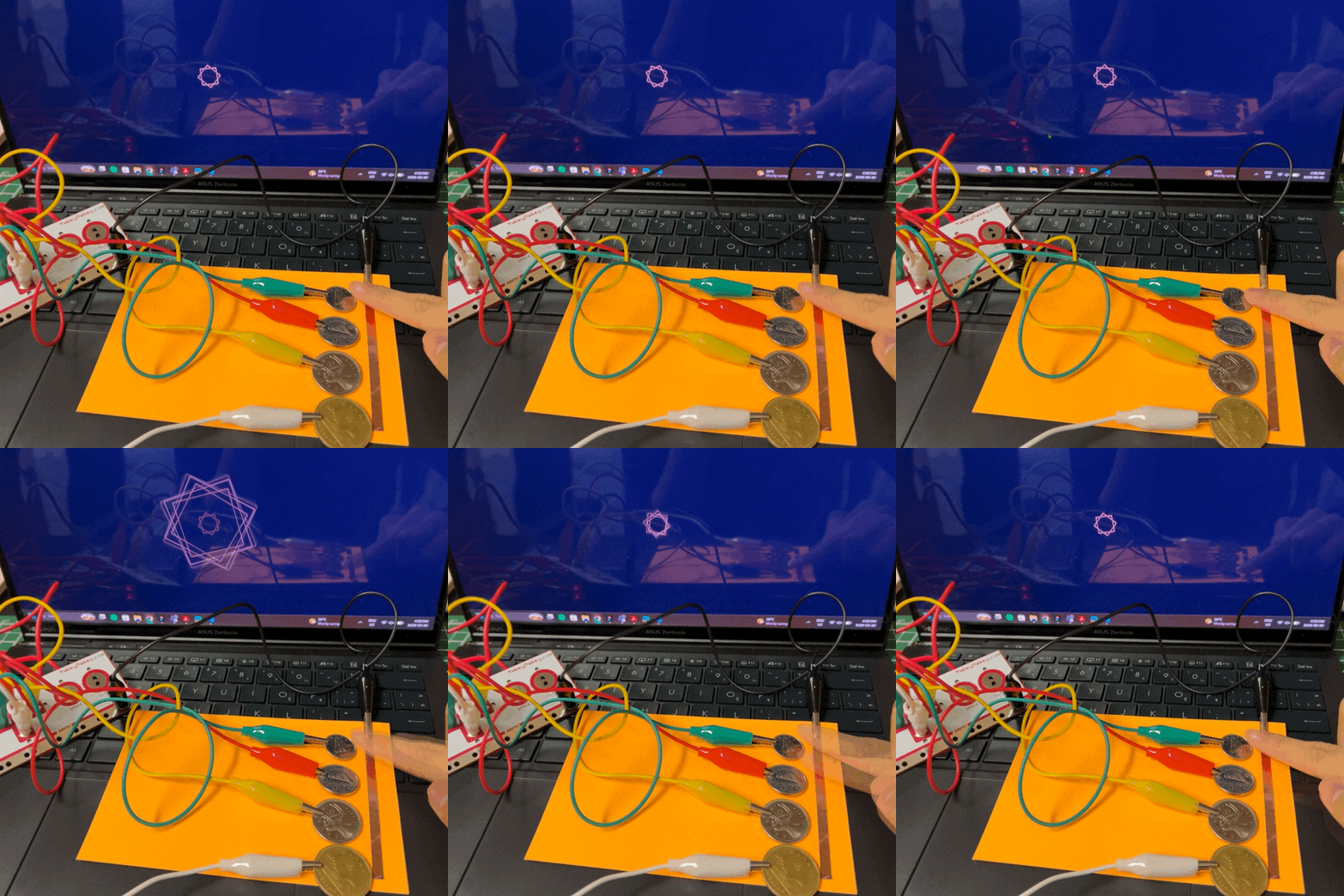
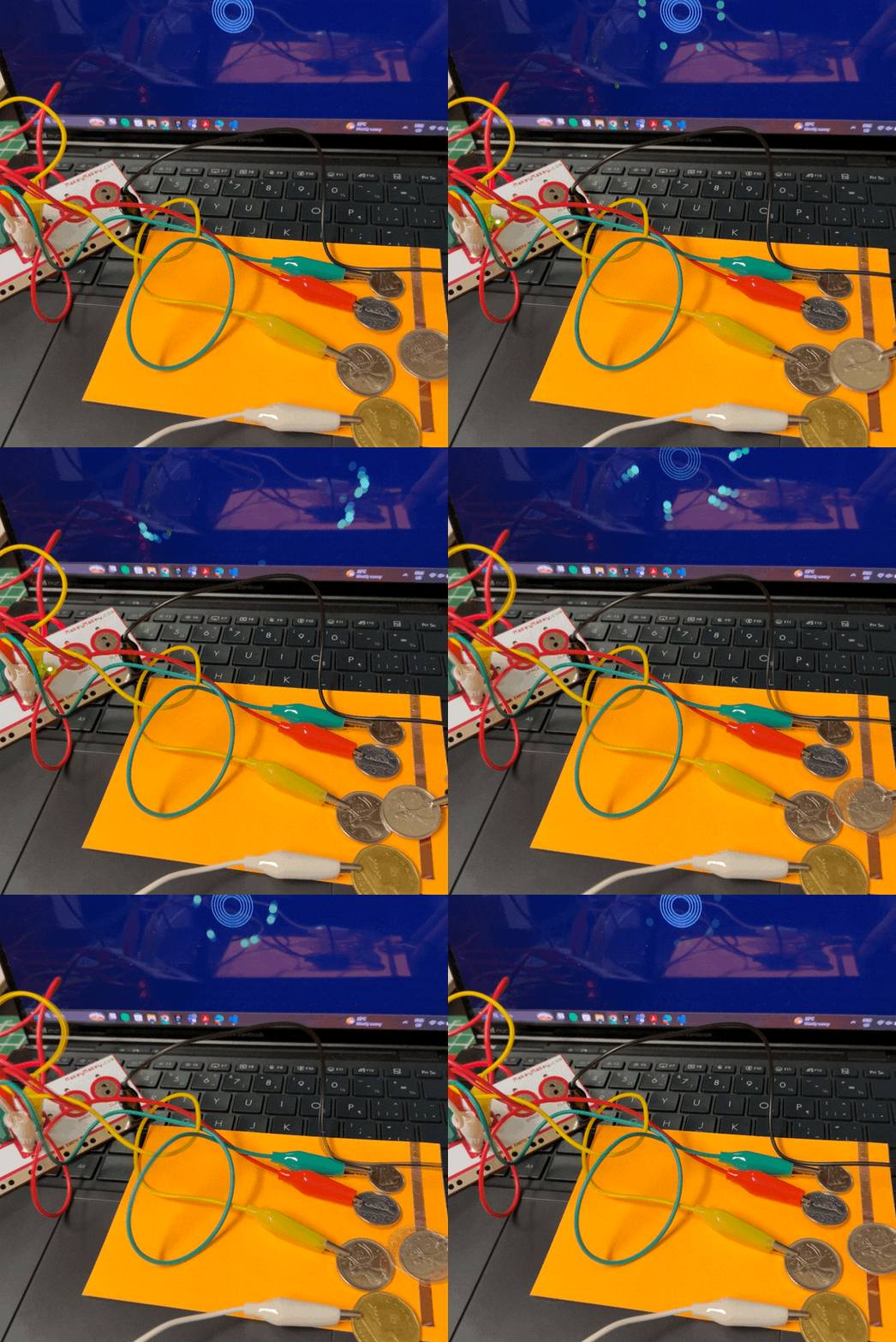
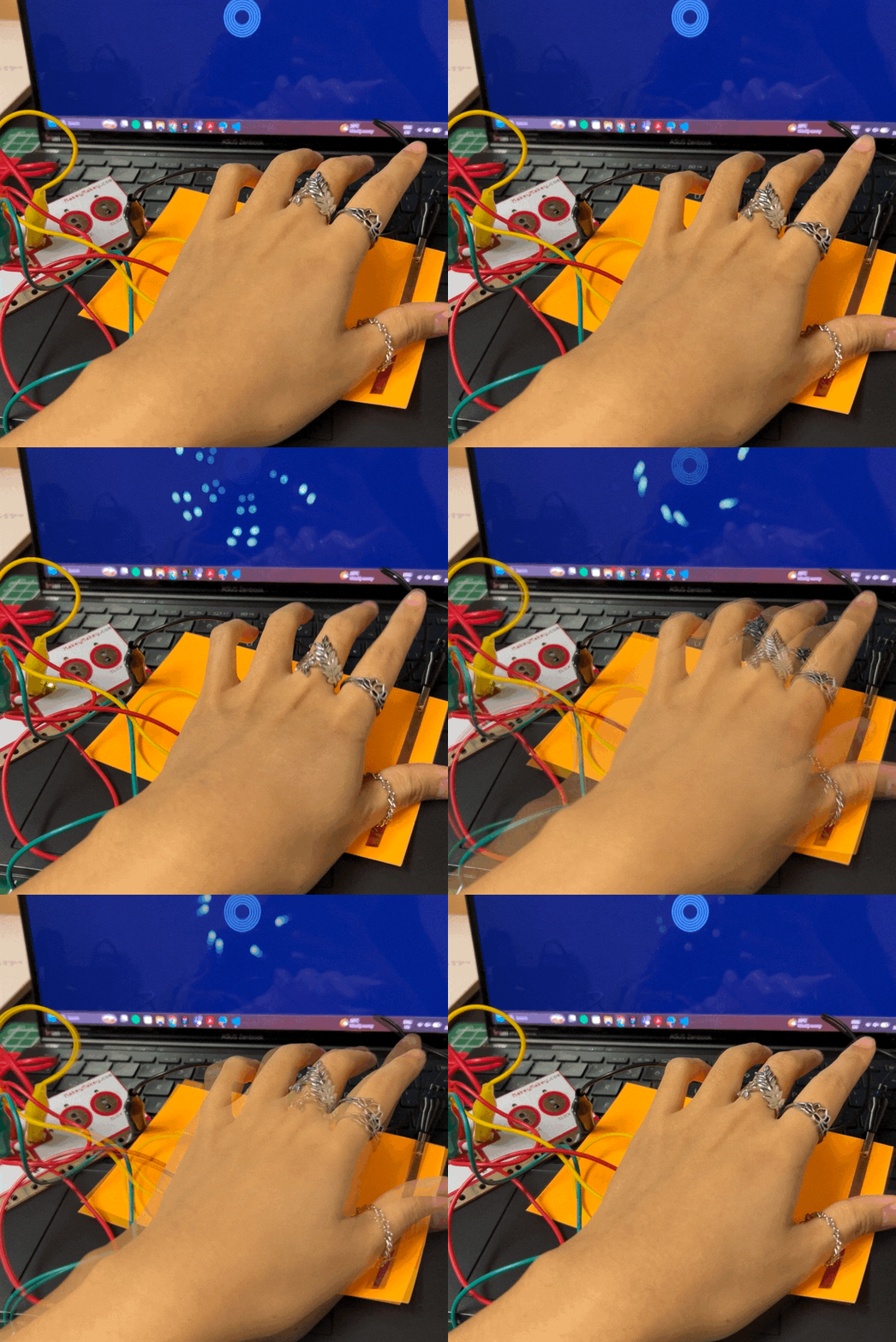
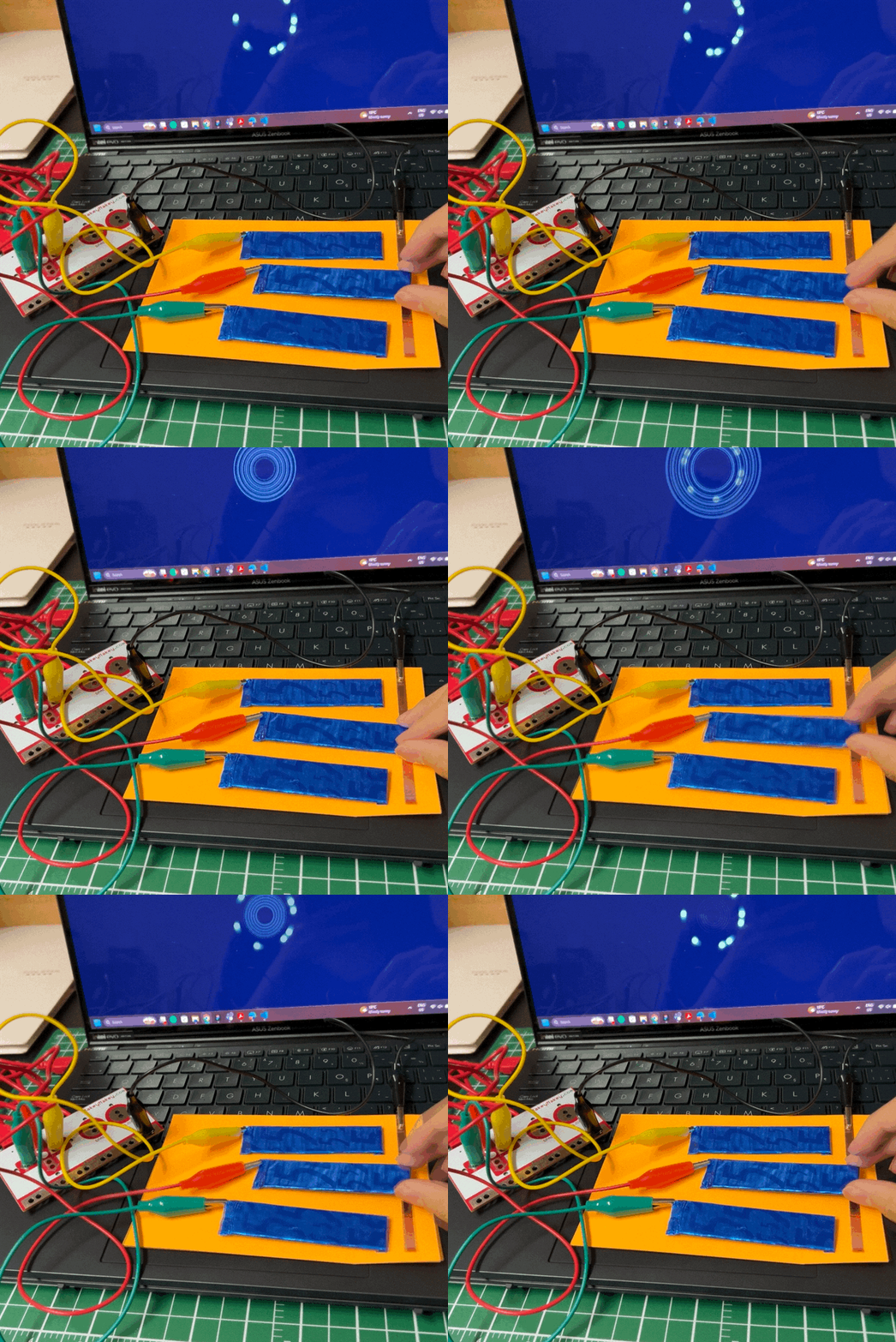
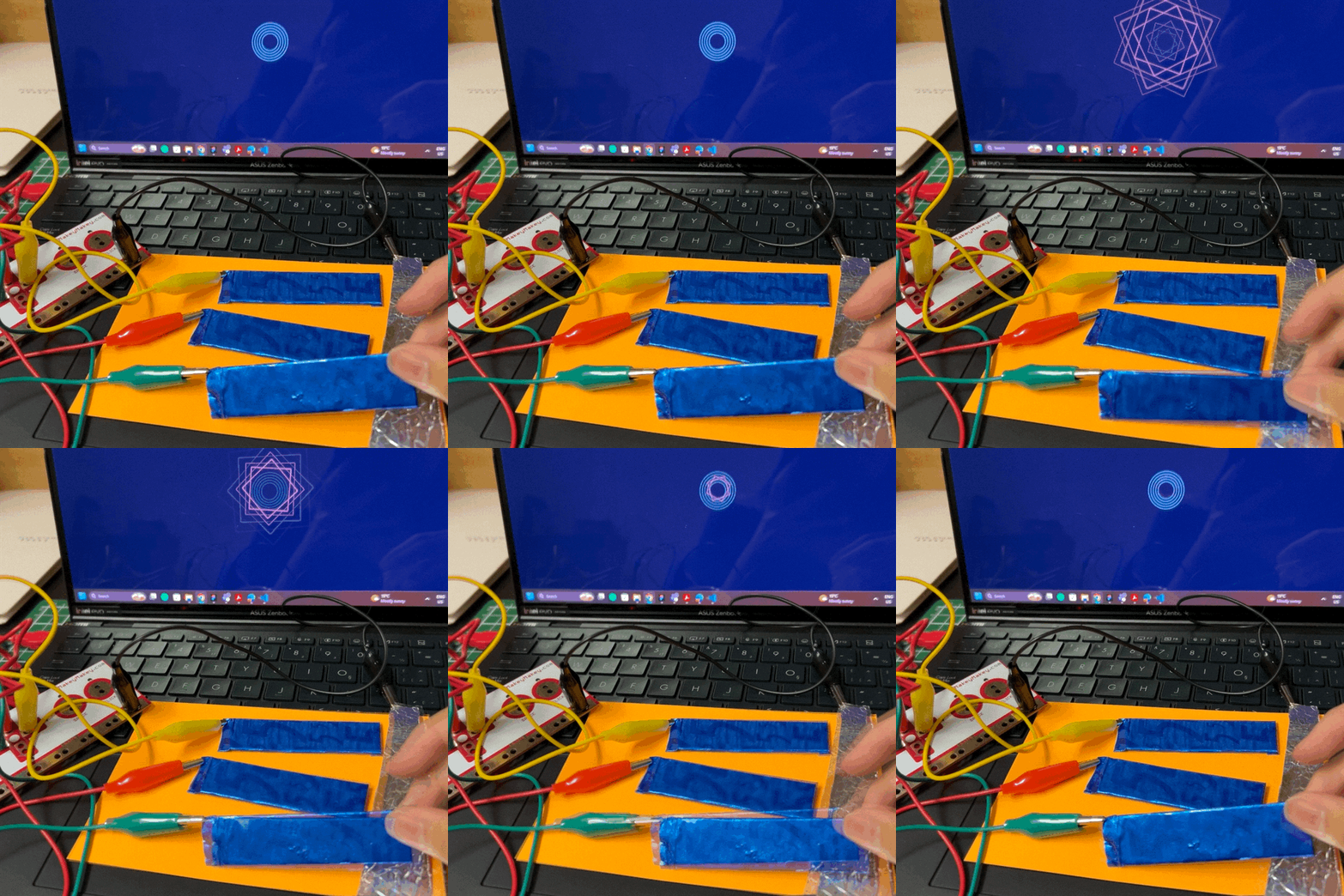
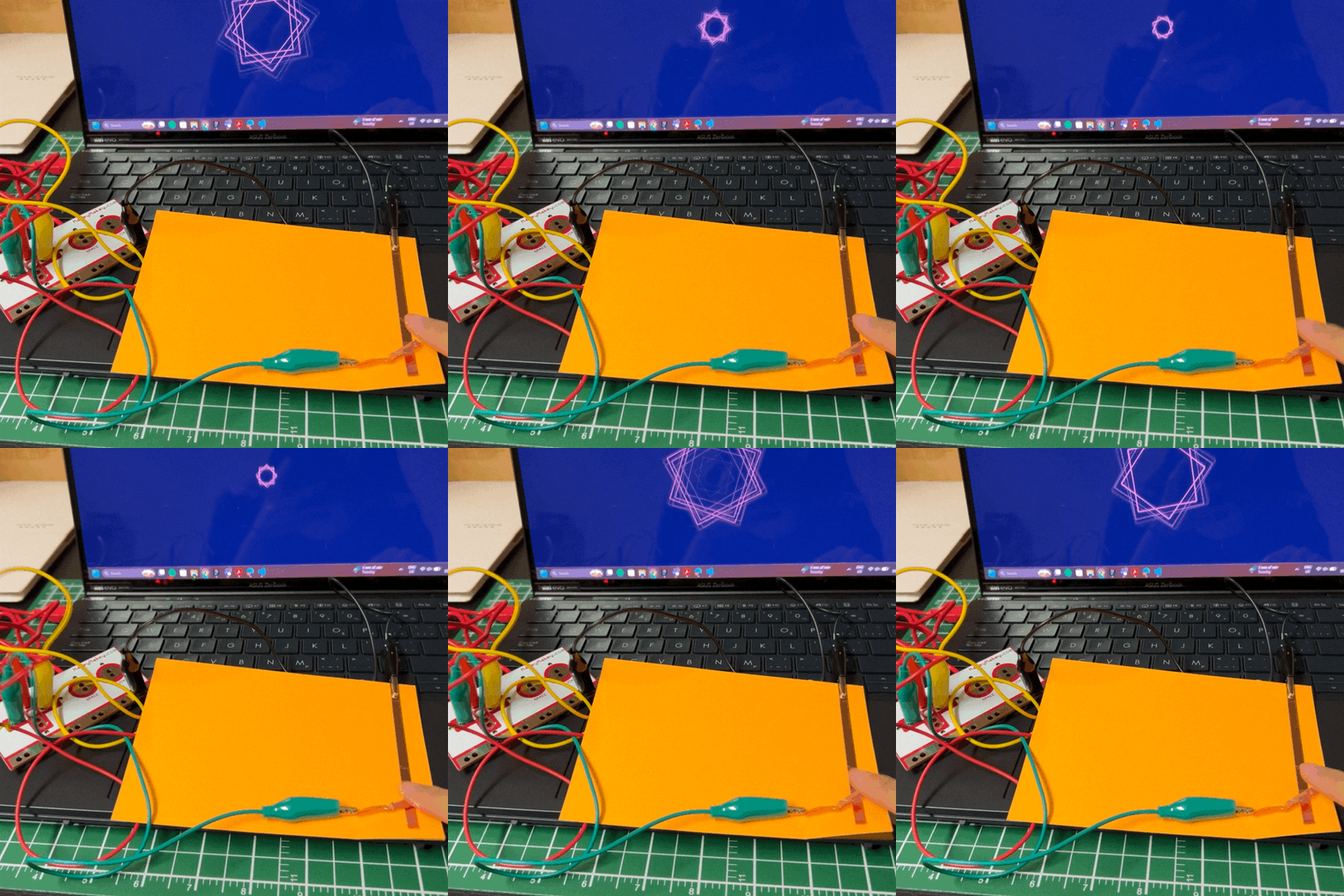
Square changes colour with each key pressed. Triangle changes colour with each key pressed. Circle moves in the arrow pressed. Circle moves and changes colour with each arrow pressed. Moves in the arrow pressed as well as changes shape and colour. Torus rotates on different axis with each arrow key pressed. Cube rotates on different axis with each arrow key pressed. Torus and cube rotates on different axis with each arrow key pressed. With each arrow key pressed the 3D primative changes. Cone, cube, sphere, torus. Camera moves around the torus and plane with each arrow key pressed. Camera moves around plane and torus with each arrow key pressed. The torus expands and retracks. Camera moves around the cube and plane with each arrow key pressed. Added in pointlighting. Camera moves around the sphere and plane with each arrow key pressed. Added in pointlighting. Torus rotates randomly. Camera moves on an axis with each arrow key pressed. Torus rotates randomly, added a cube and sphere. Camera moves on an axis with each arrow key pressed. Torus rotates, expands and retracks randomly. Camera moves on an axis with each arrow key pressed. Added cube and pointlighting. Camera moves on an axis with each arrow key pressed. Added sphere and pointlighting. Camera moves on an axis with each arrow key pressed. A simple audio-reactive sketch where keyboard-triggered notes control the size of a central circle using amplitude. Mapping sound and time to colour, adding transparency and motion trails to create a more dynamic visual response. Colour transitions over time using interpolation while allowing user input to influence both sound and visual properties. Linking amplitude and frequency data to multiple visual elements, including layered shapes and radial FFT patterns. Distinct visual systems for each key input, creating an interactive audio-visual instrument. Rippling circles. Distinct visual systems for each key input, creating an interactive audio-visual instrument. Squares making a star. Distinct visual systems for each key input, creating an interactive audio-visual instrument. Orbiting circles.

Activity 2
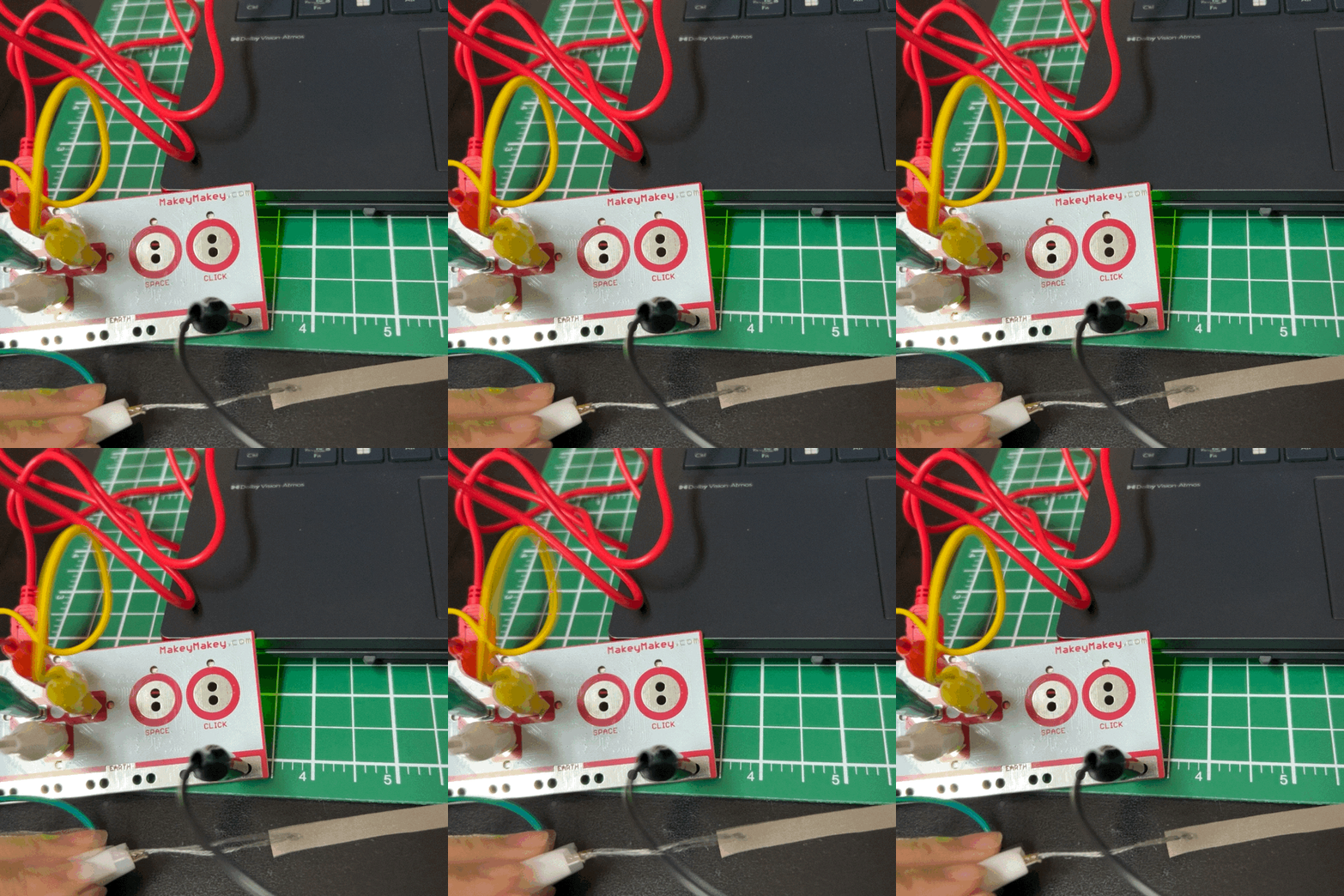
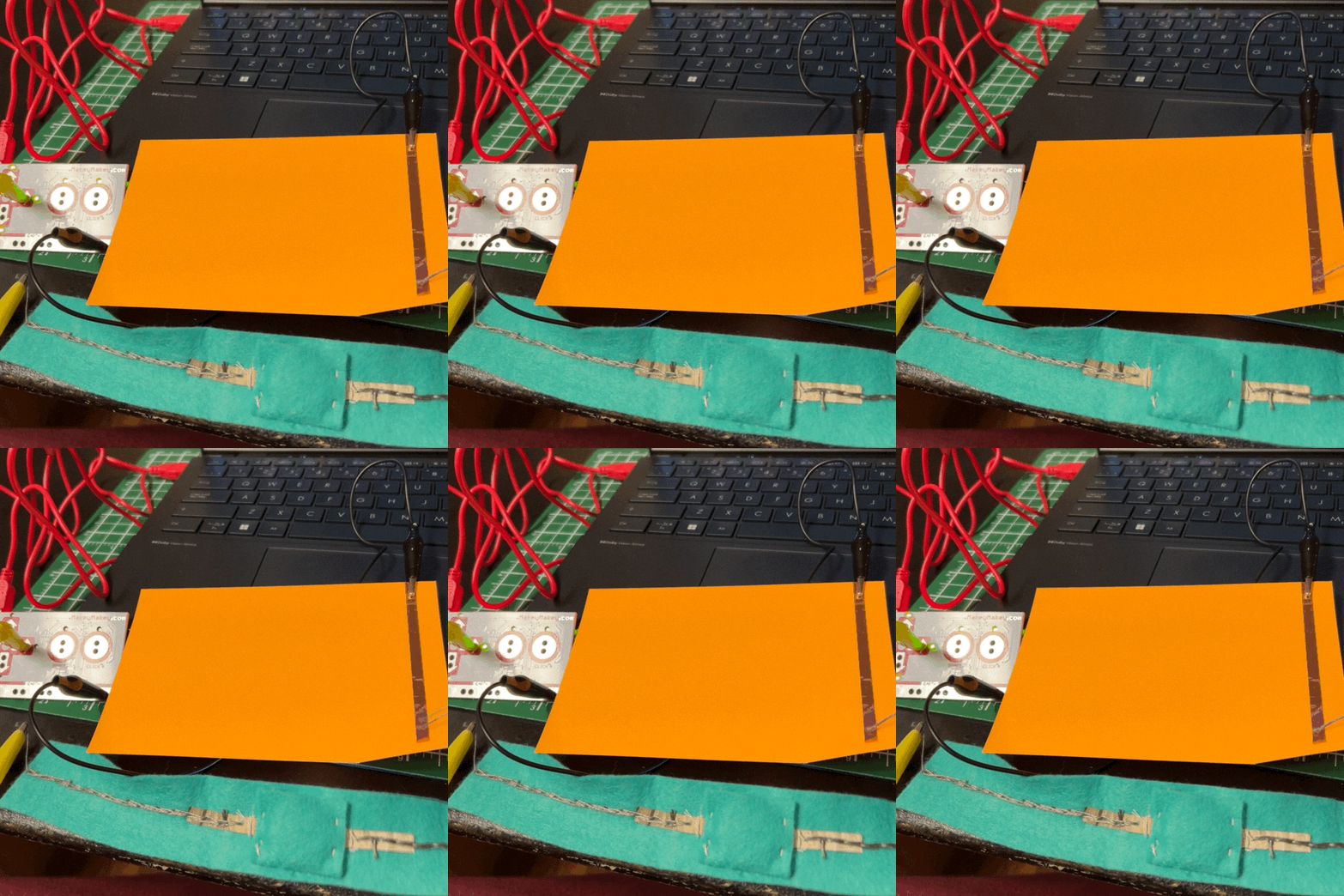
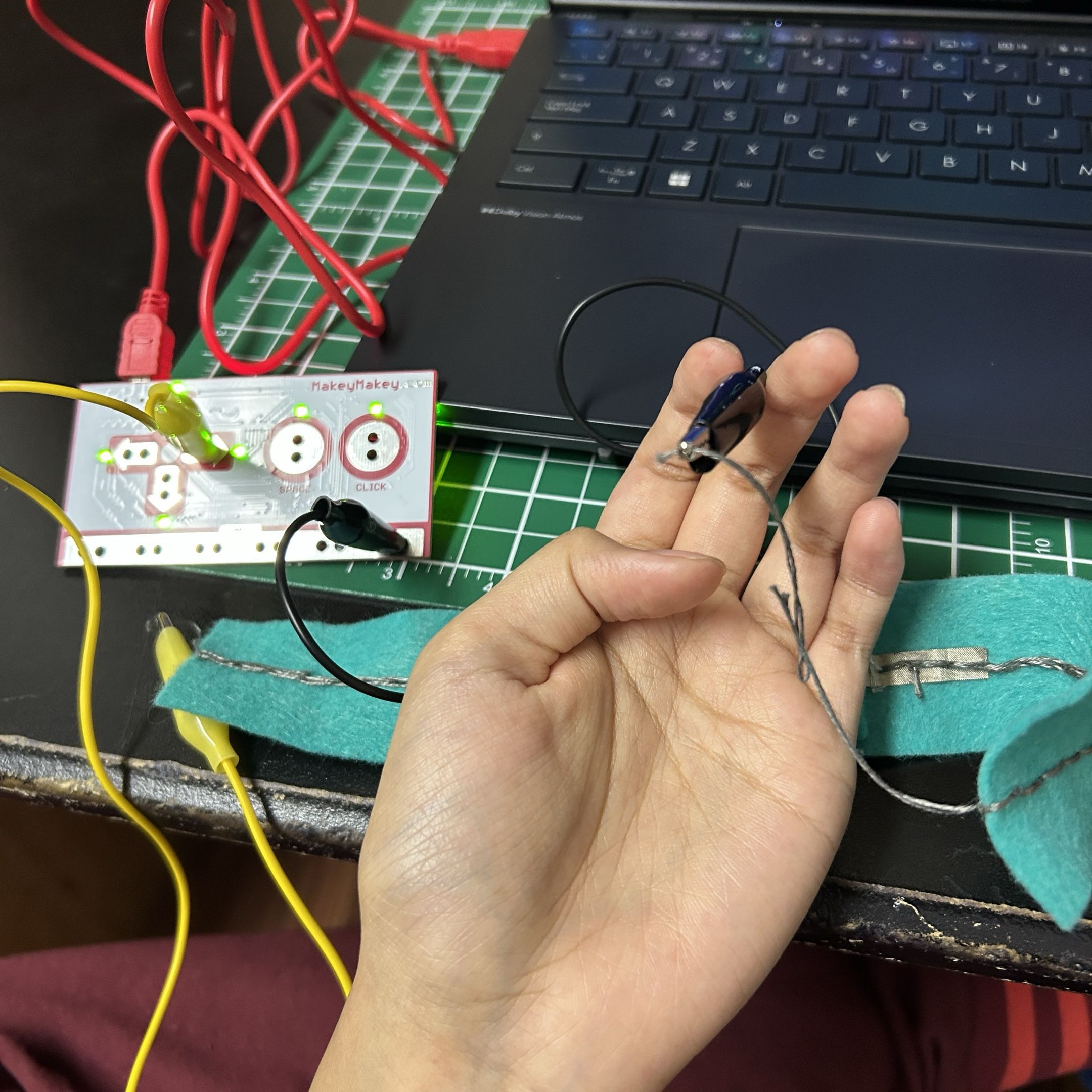
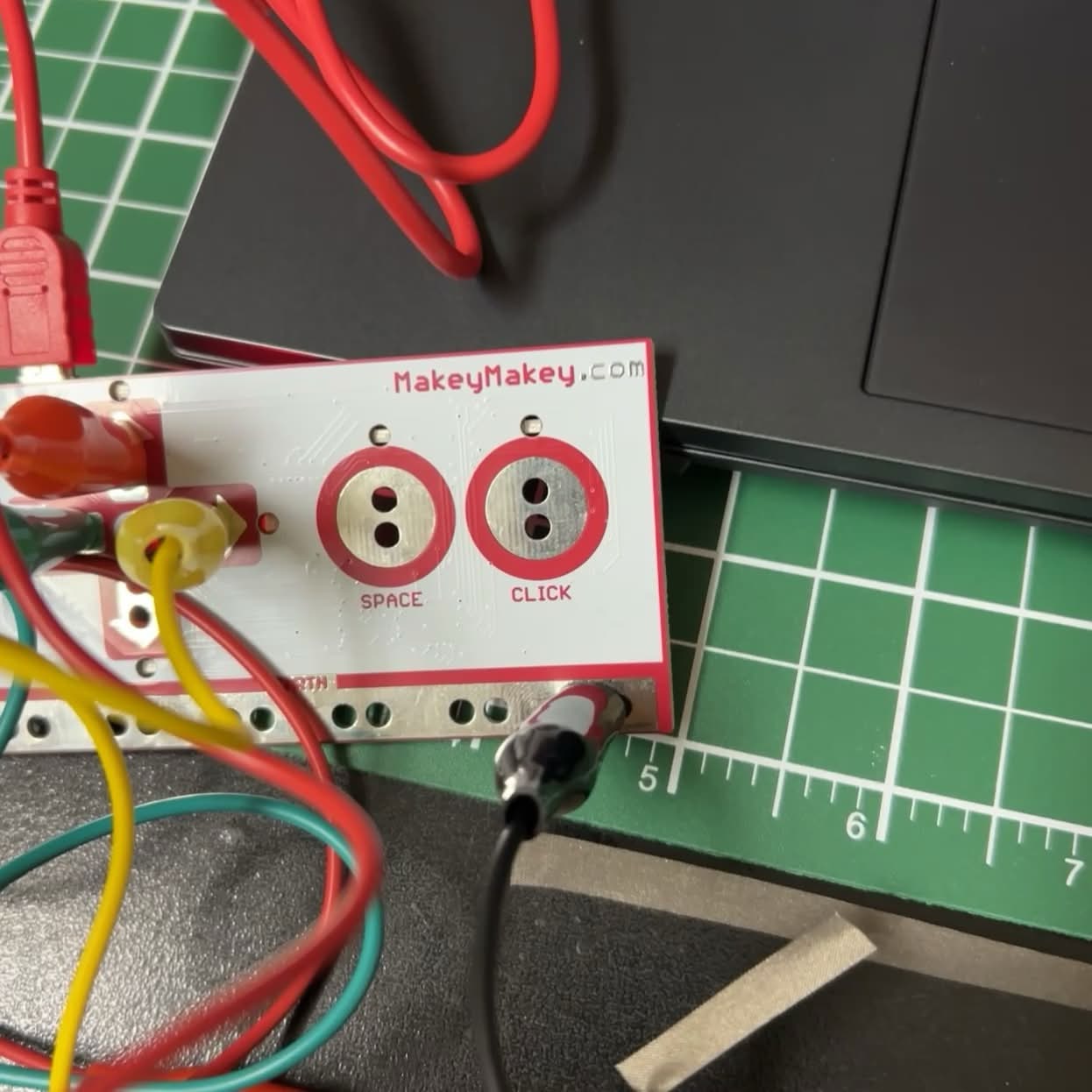
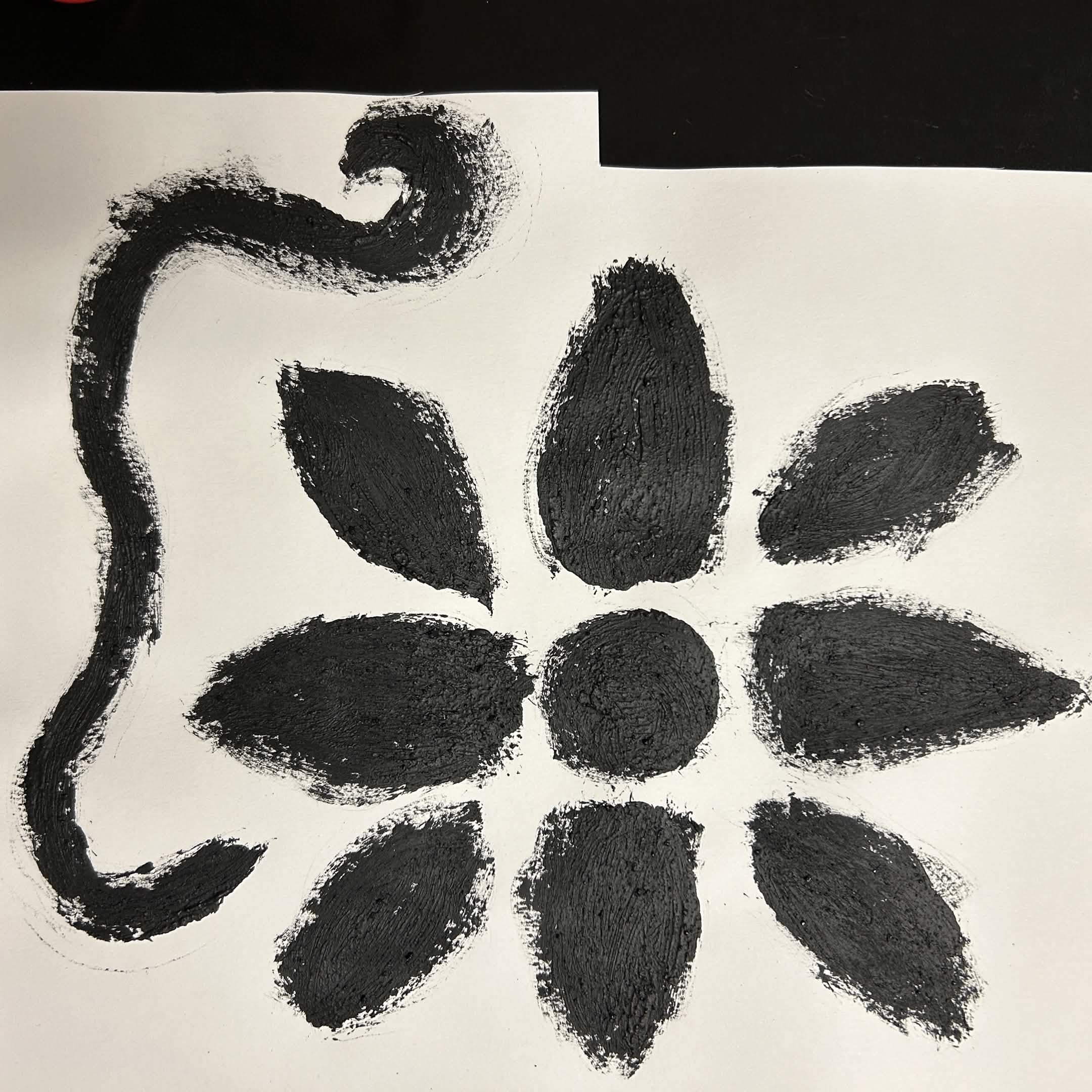
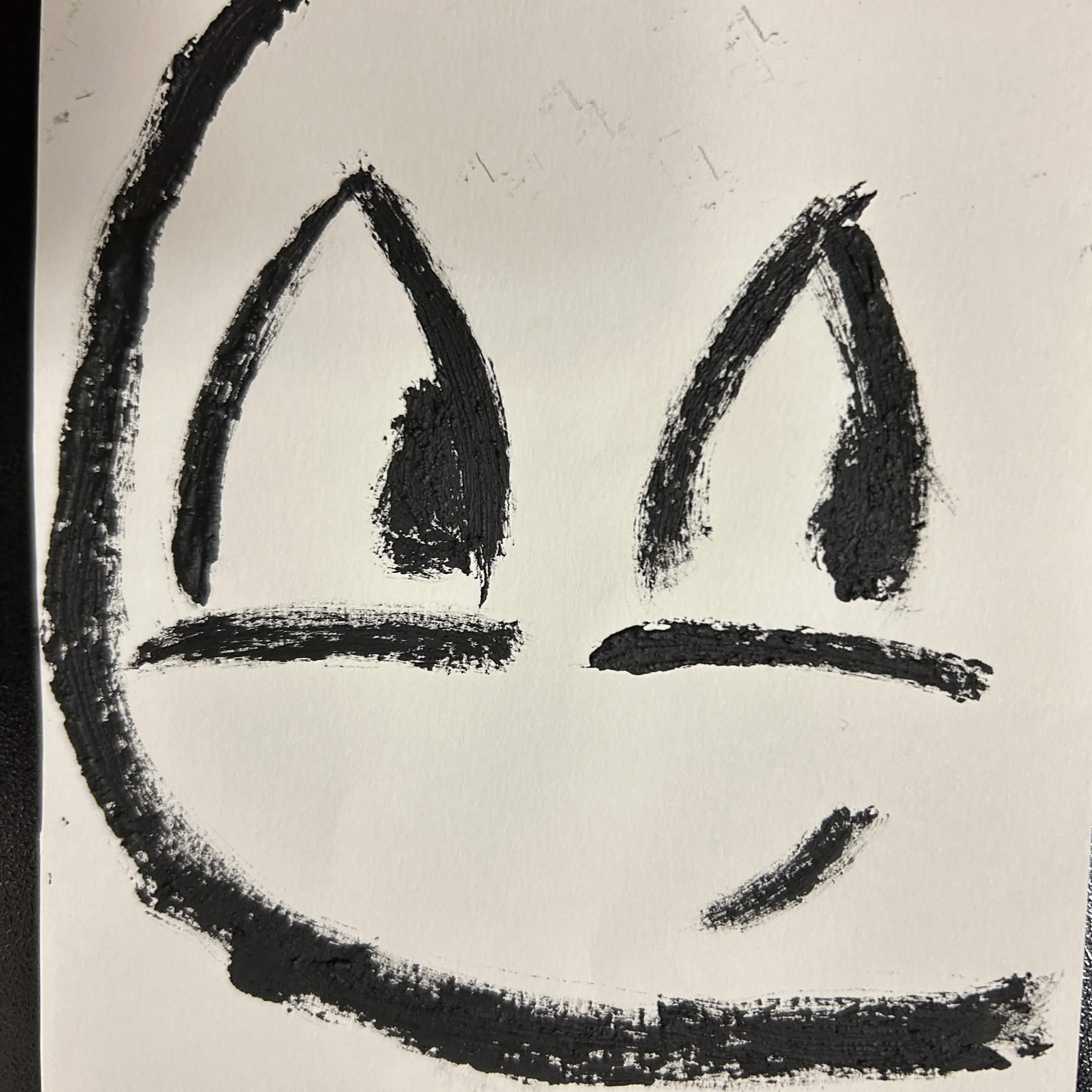
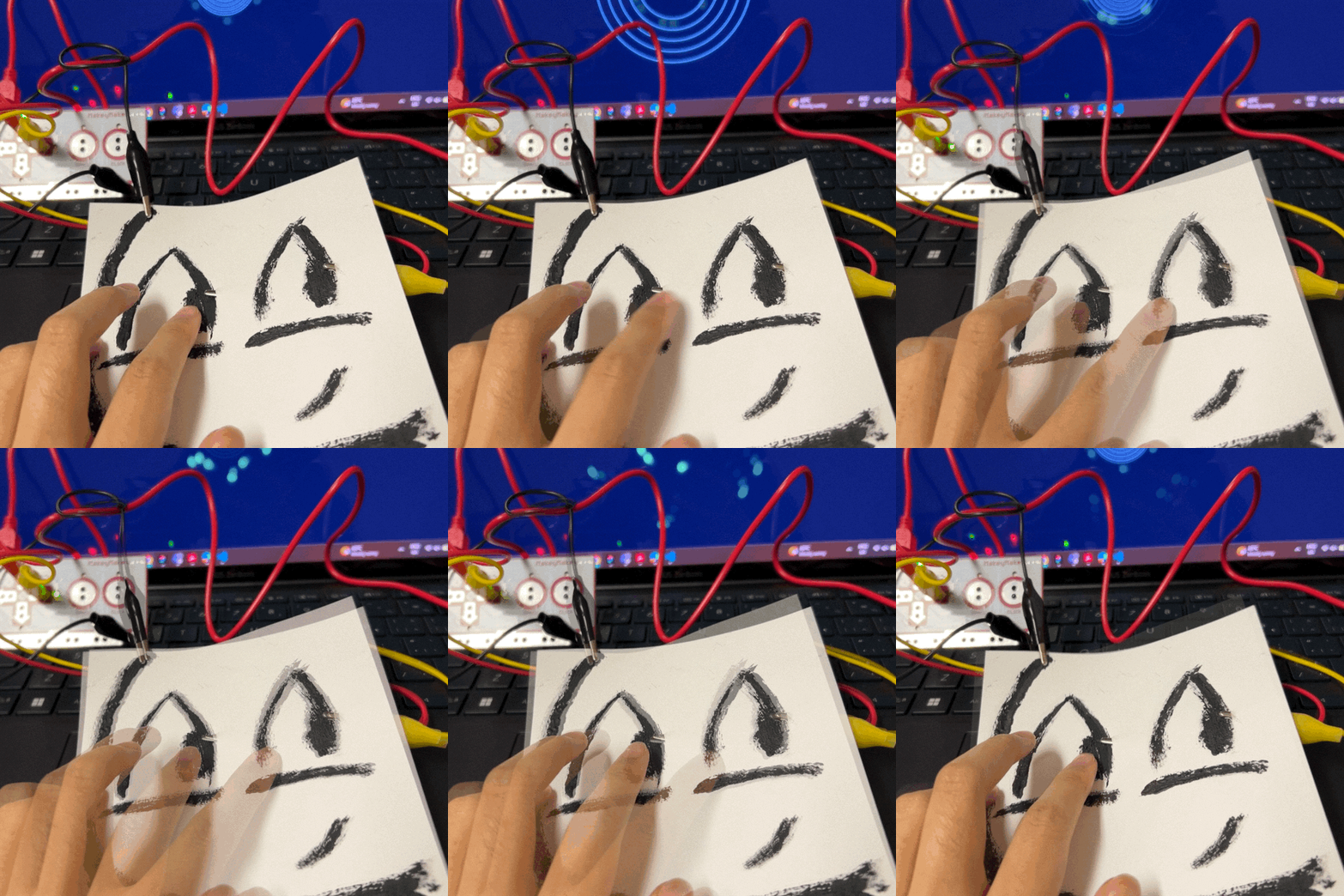
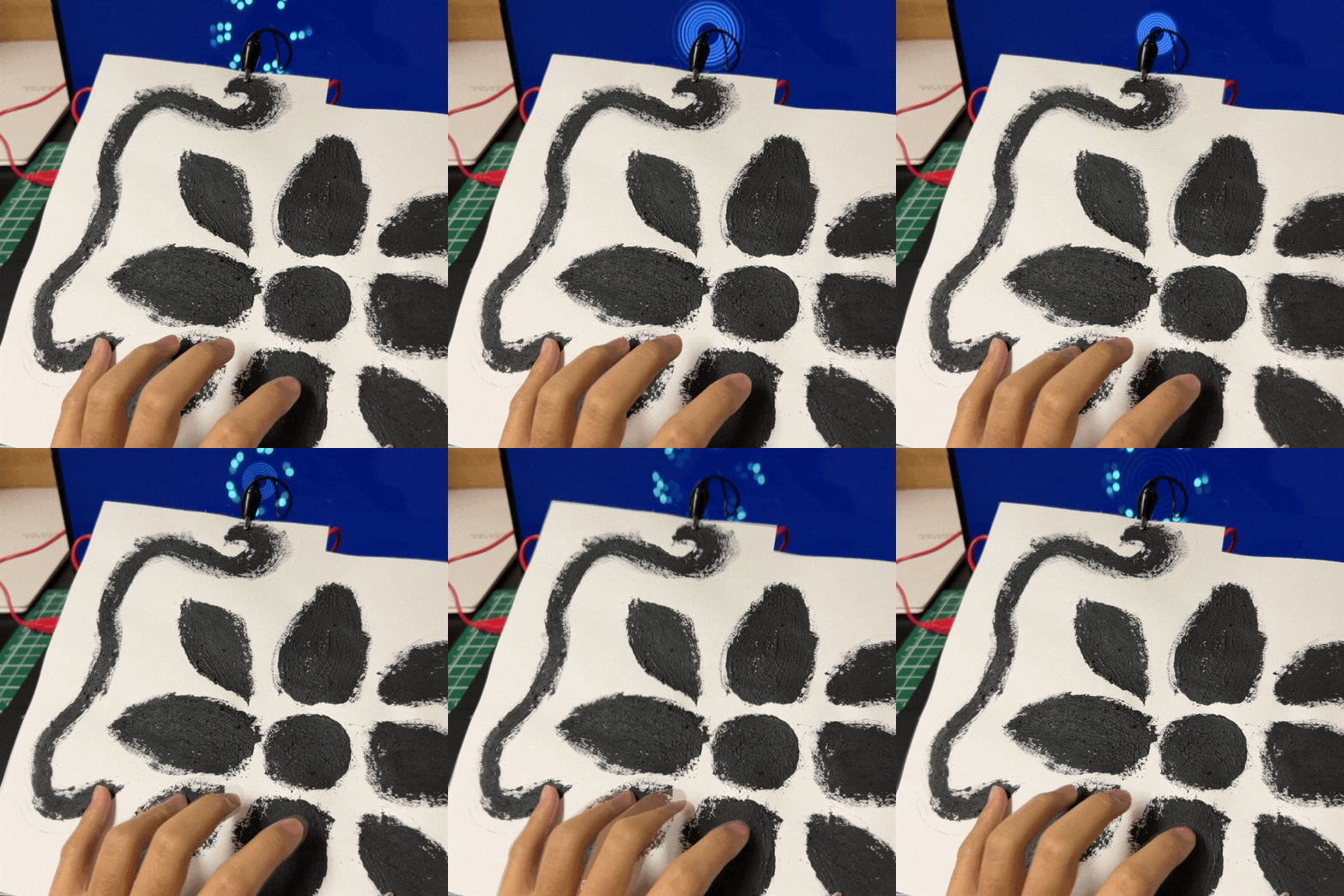
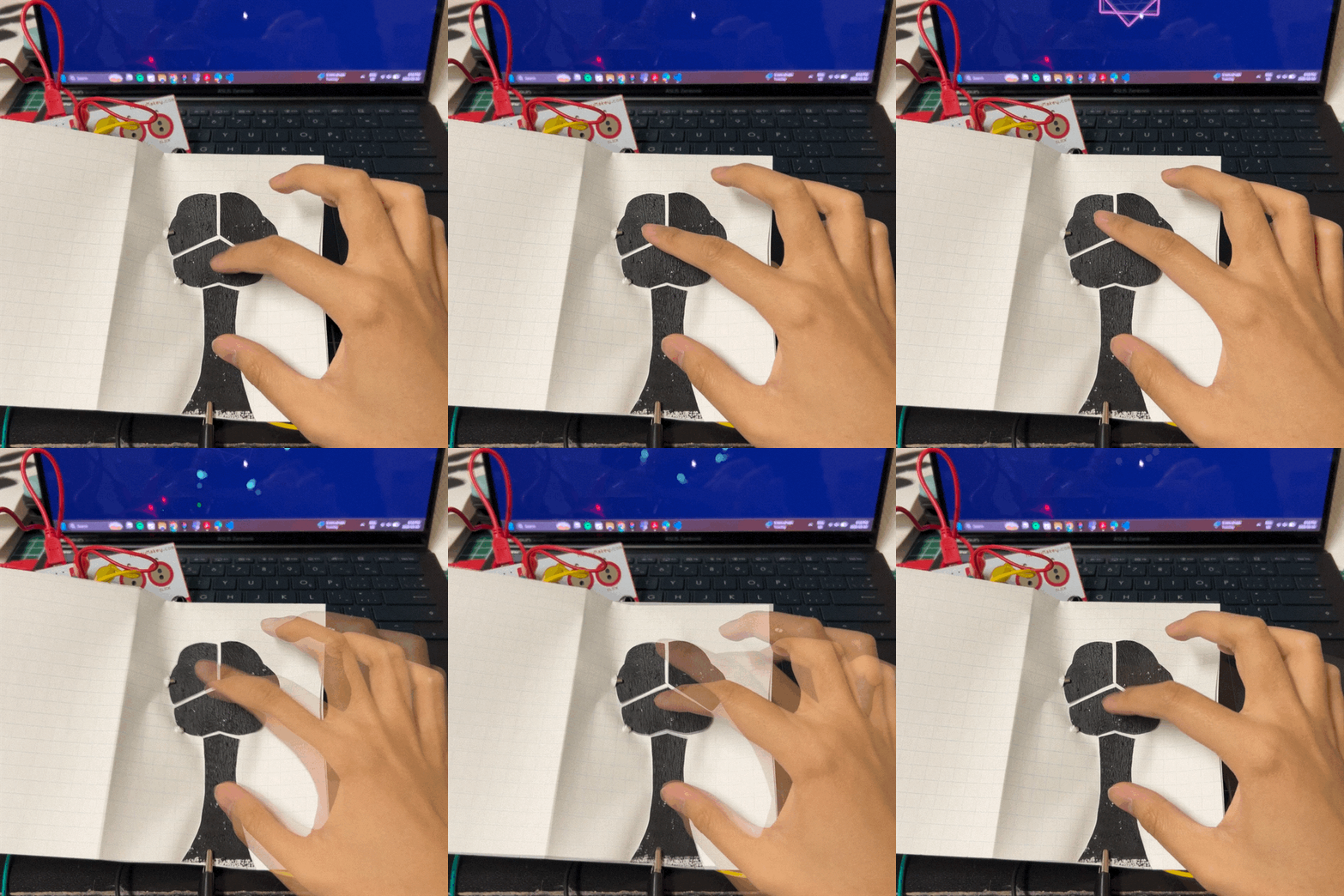
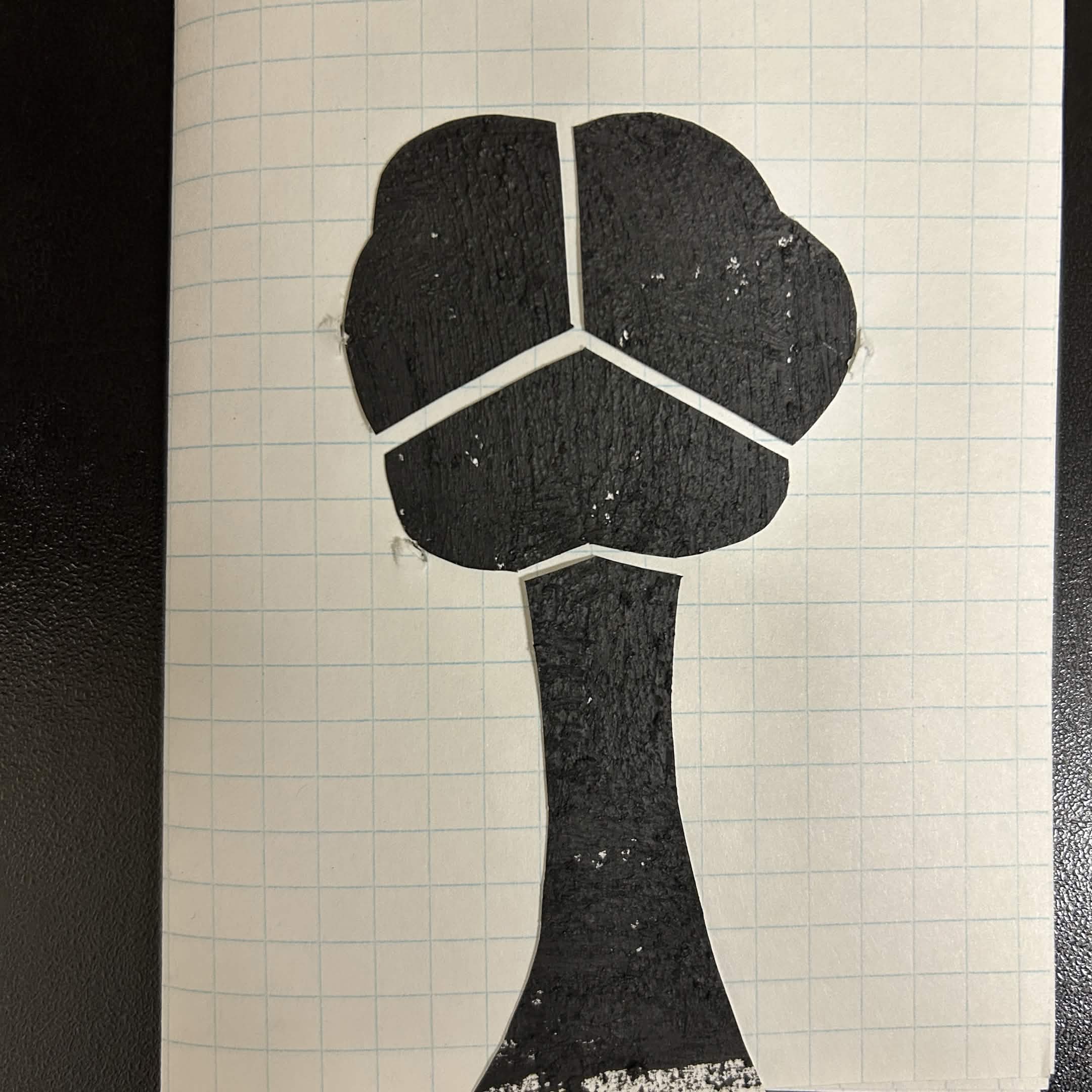
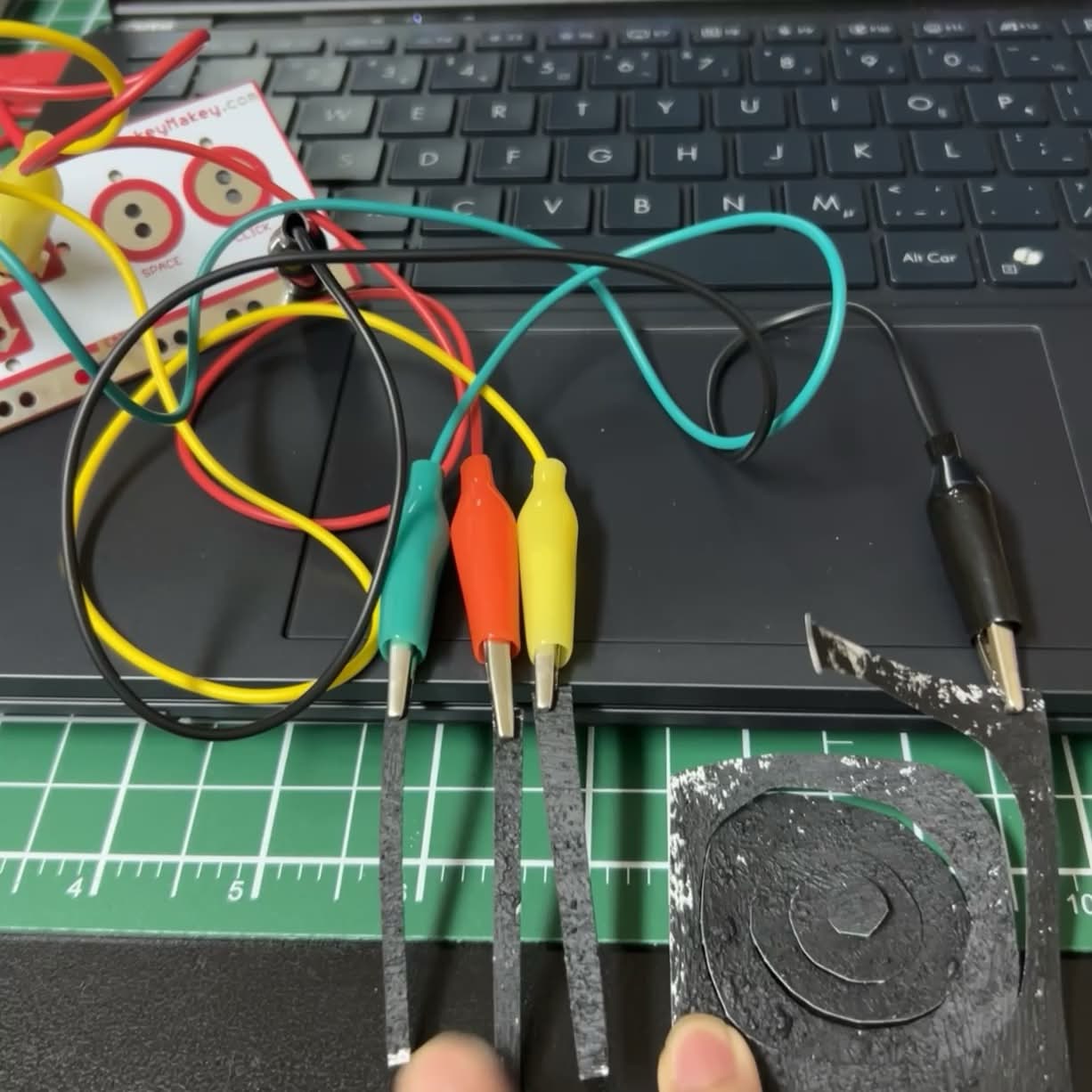
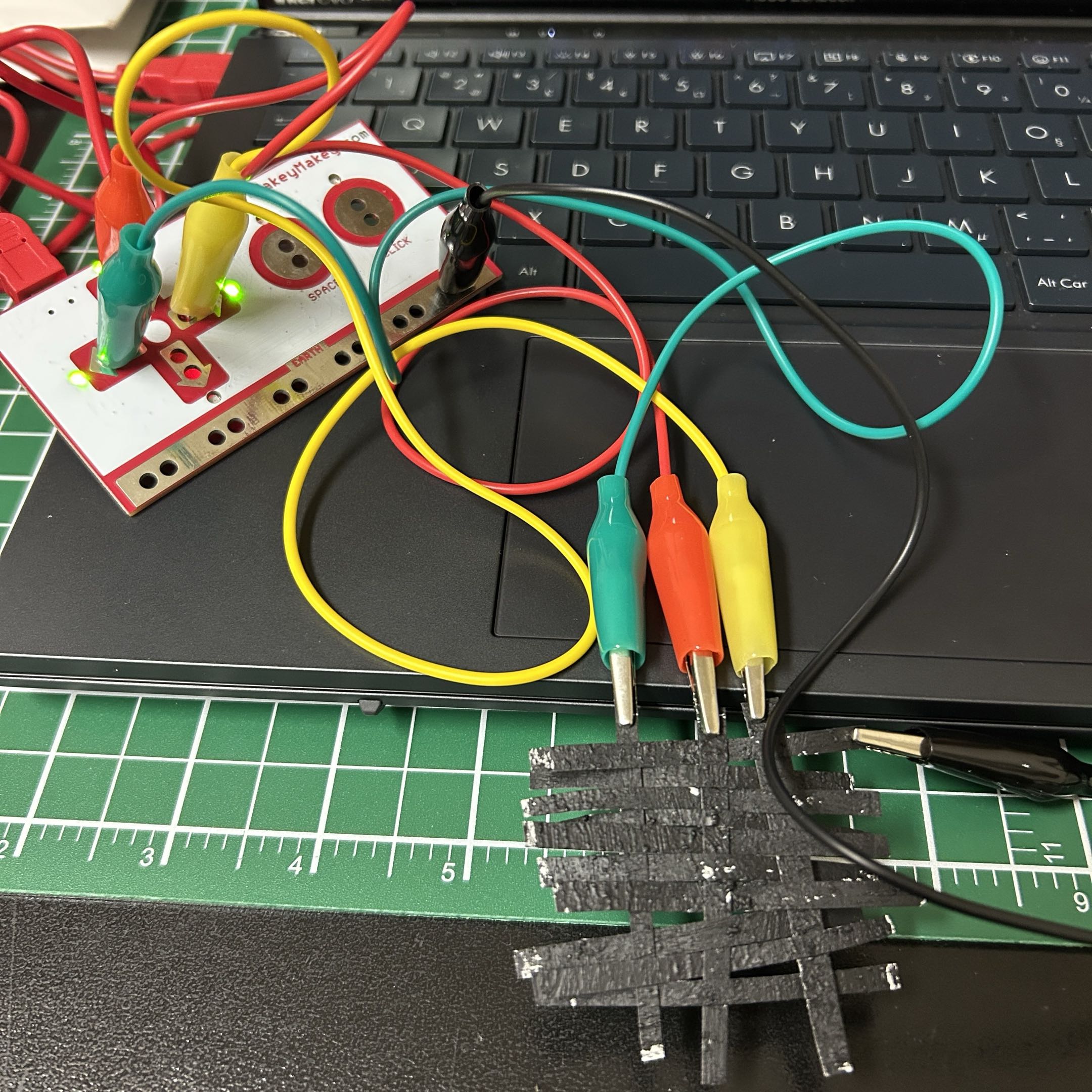
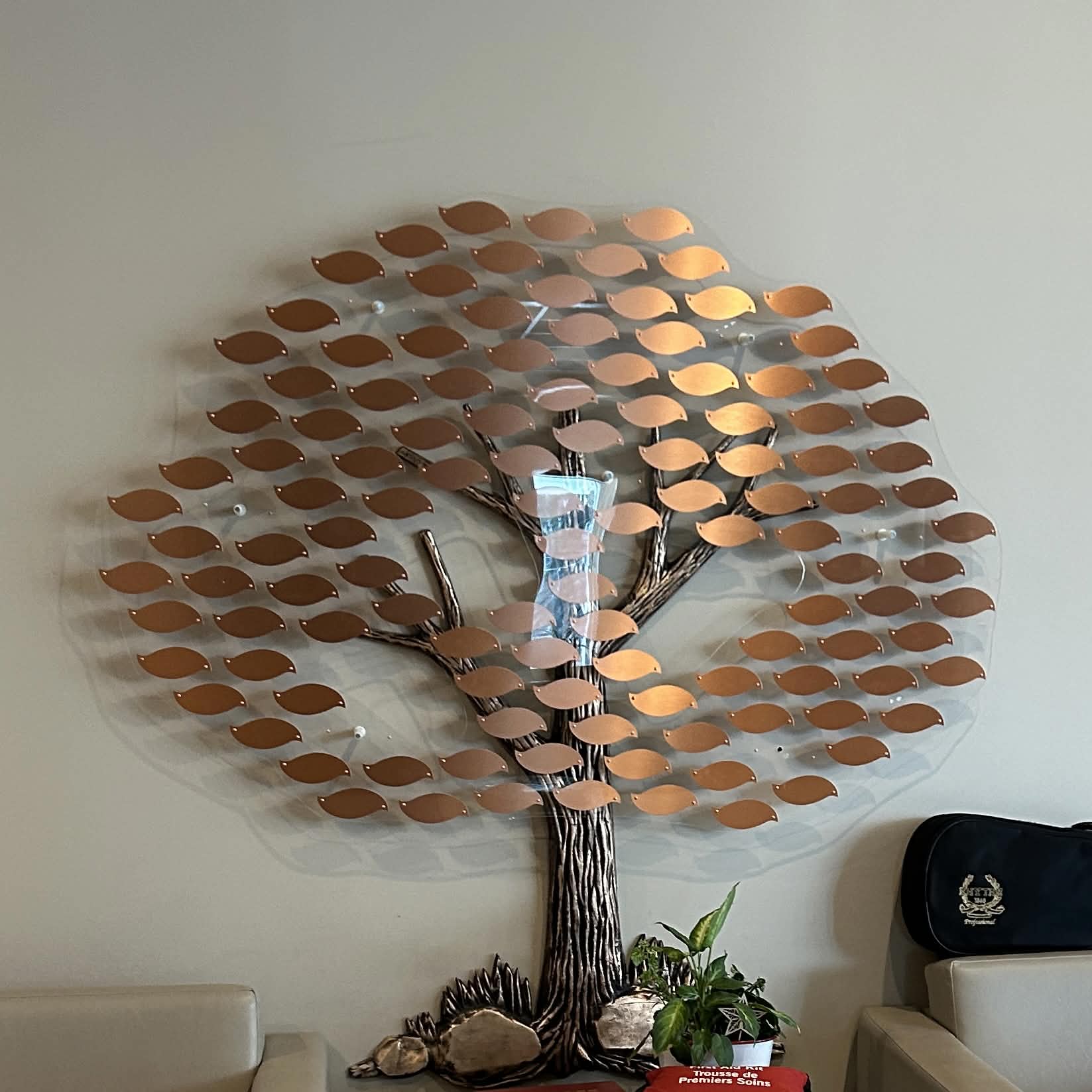
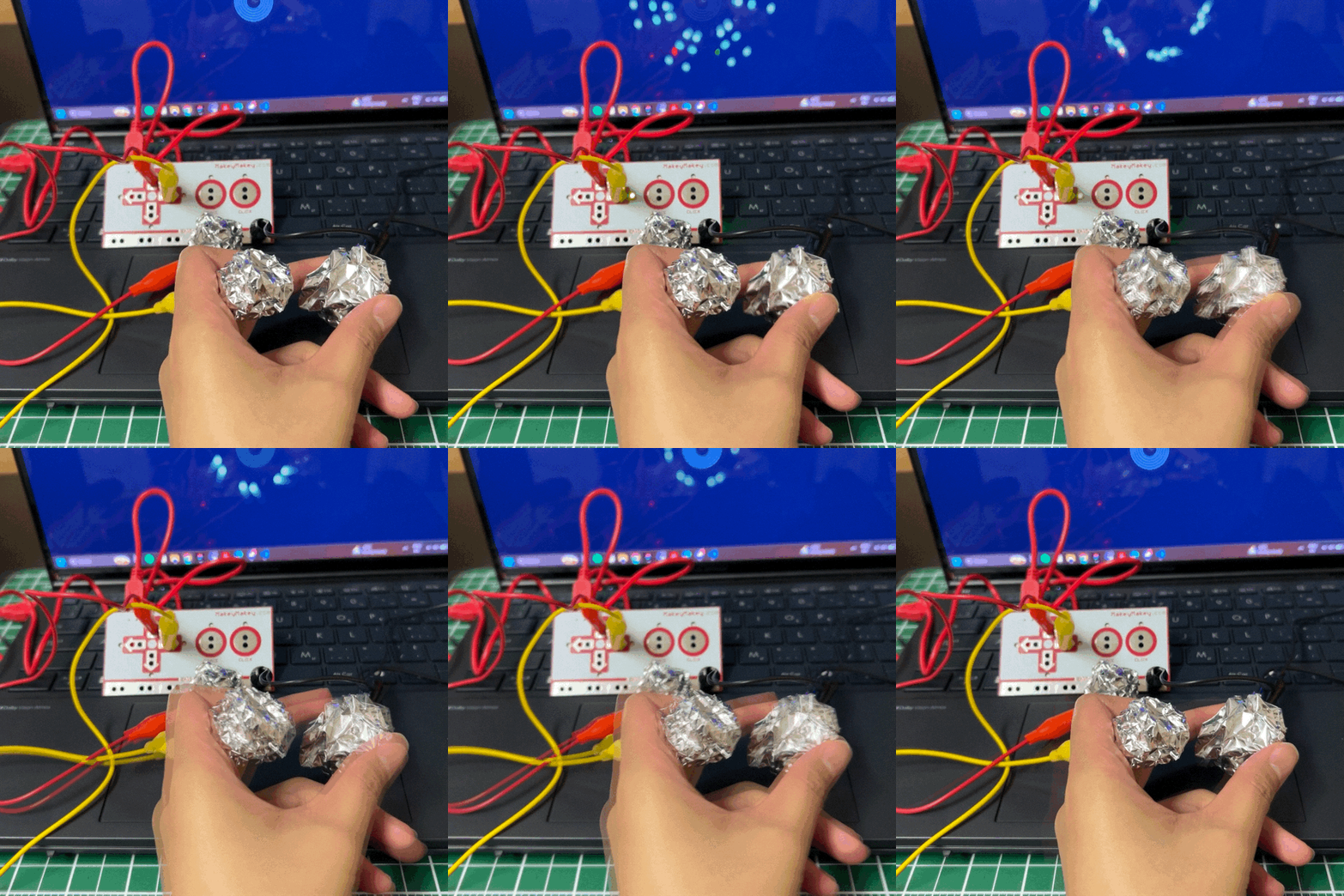
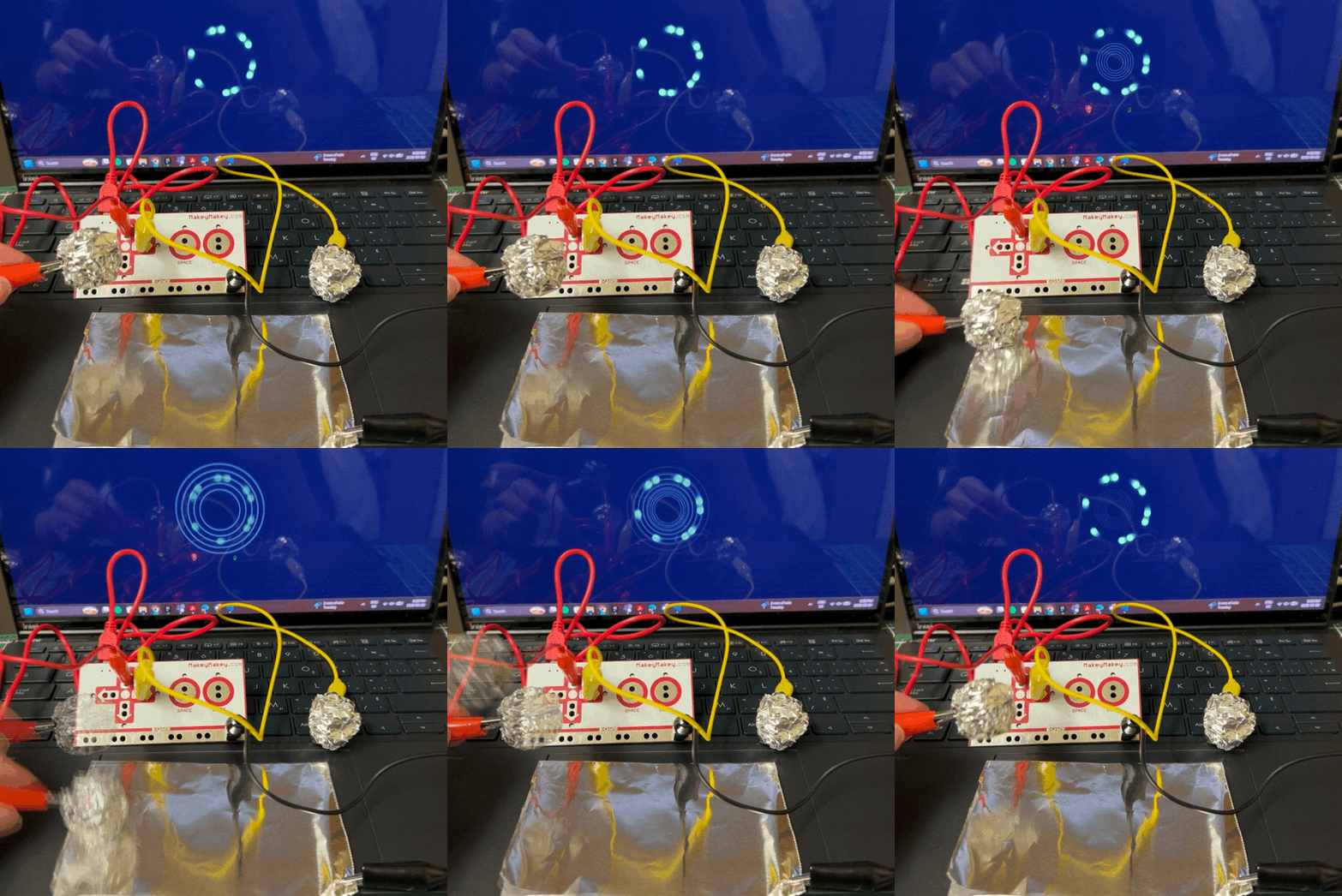
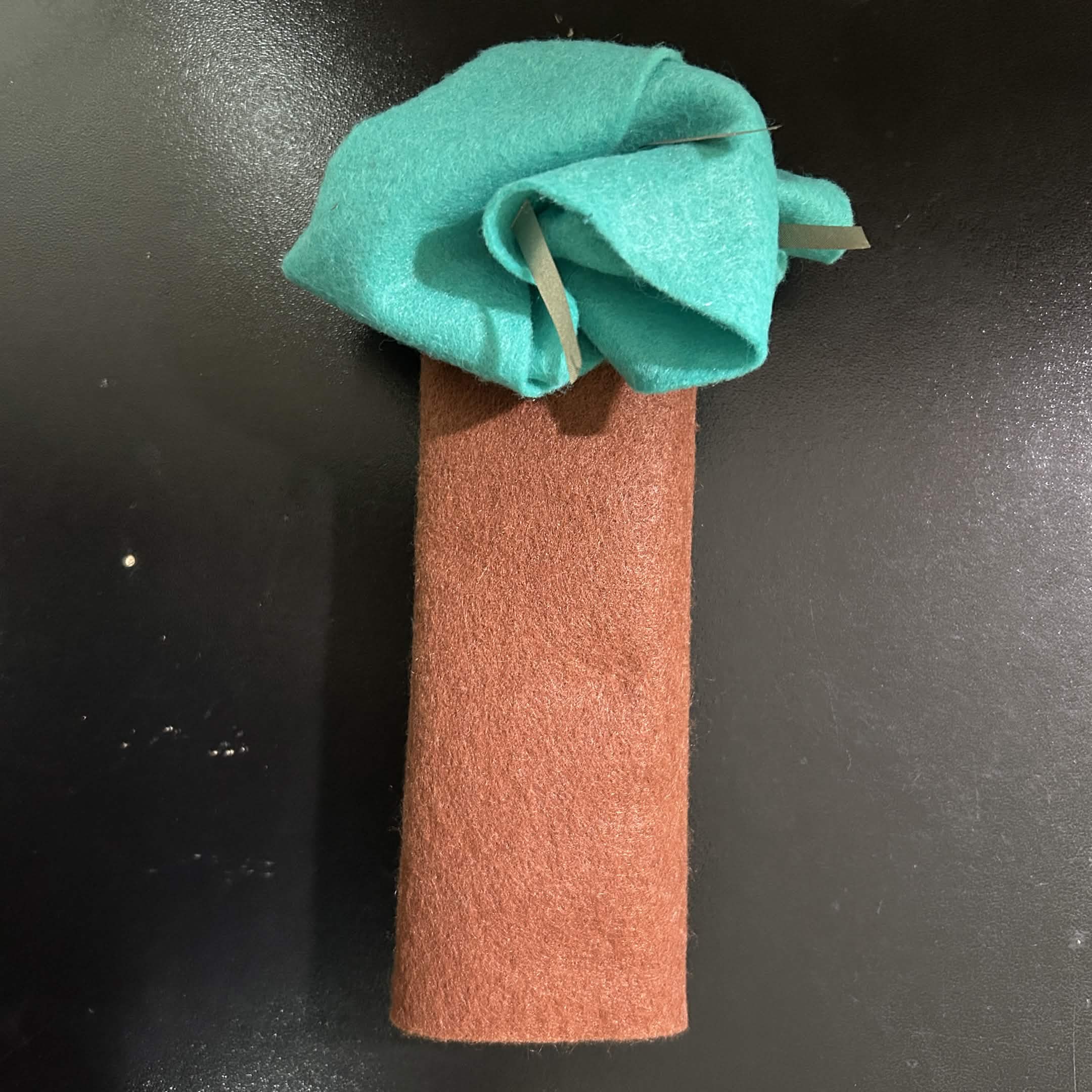
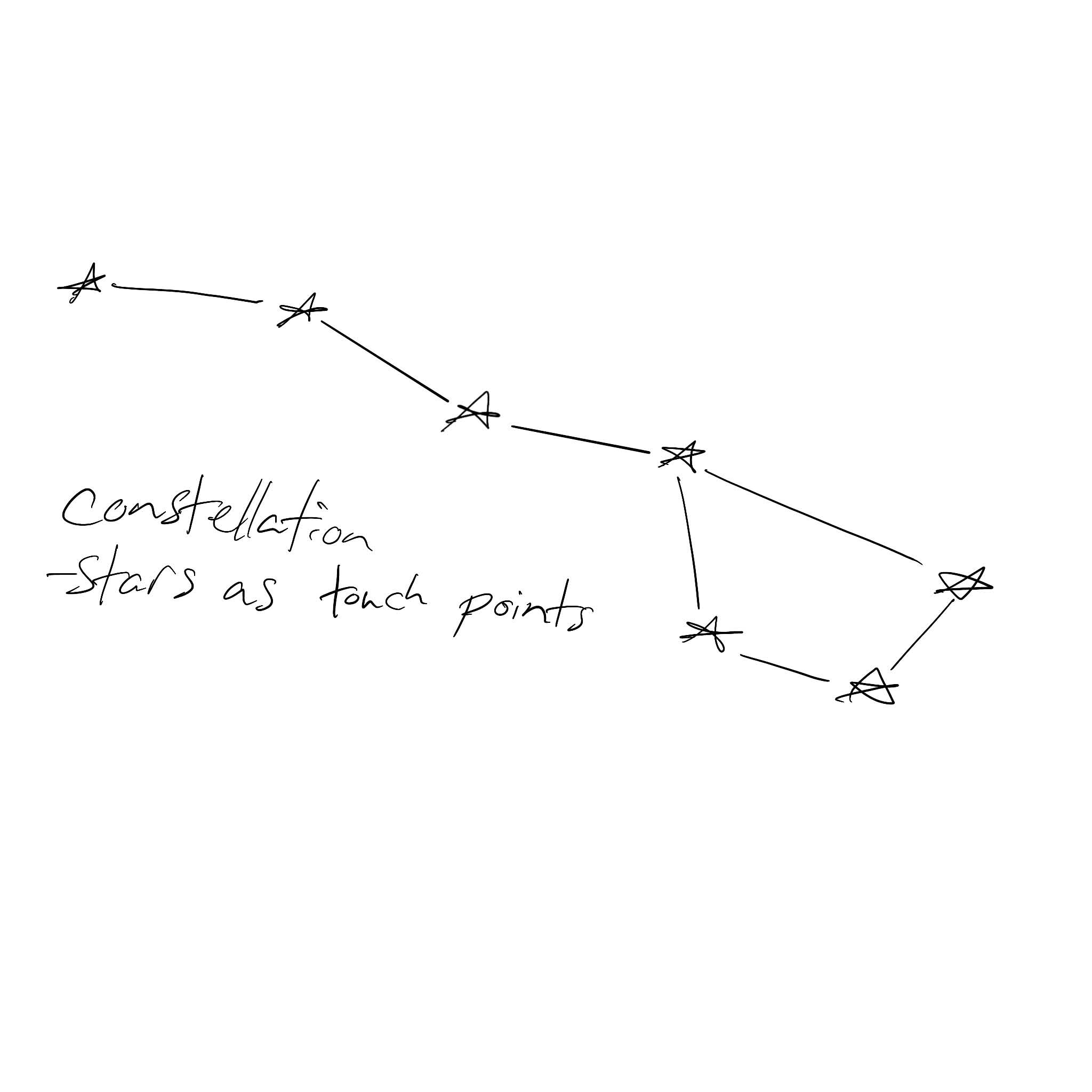
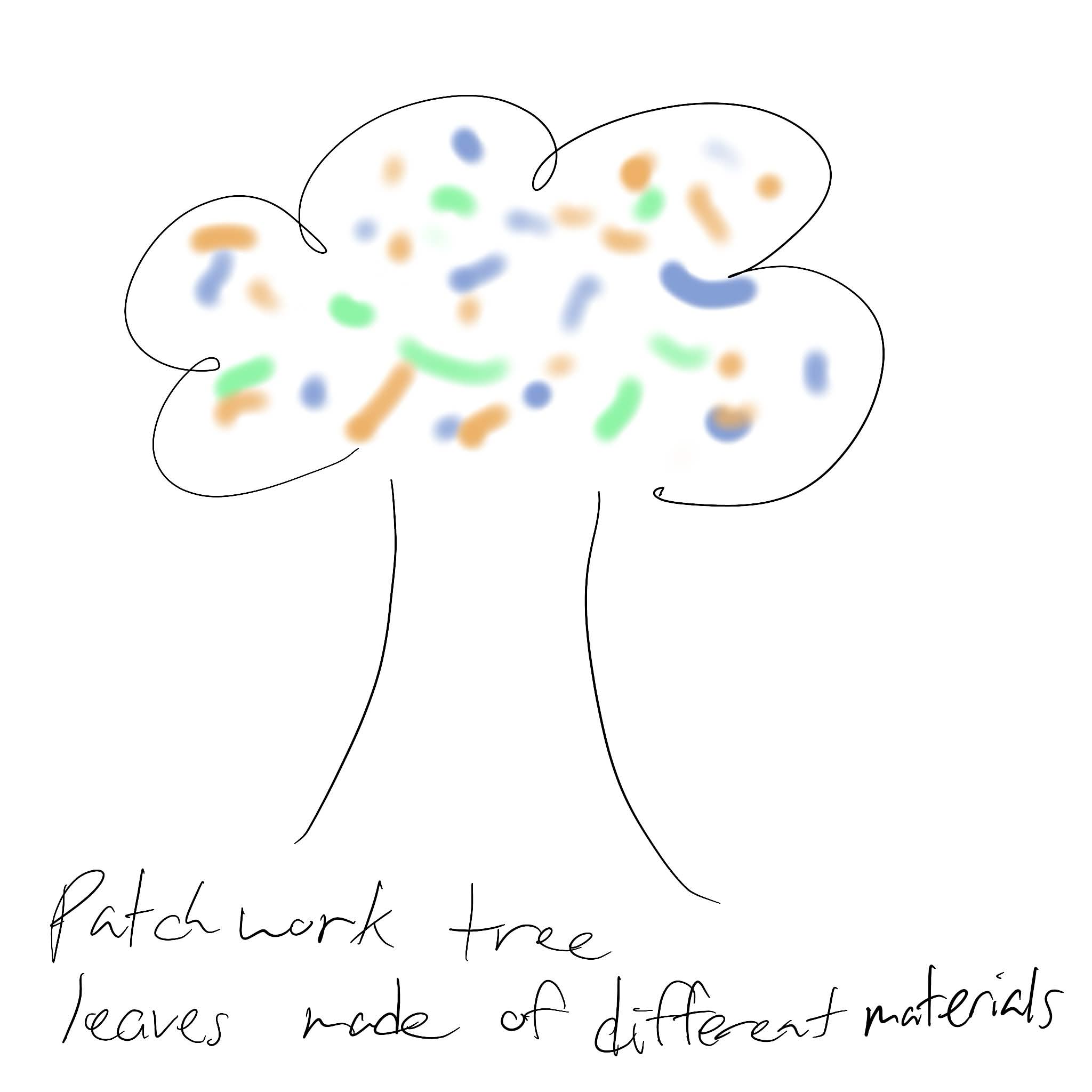
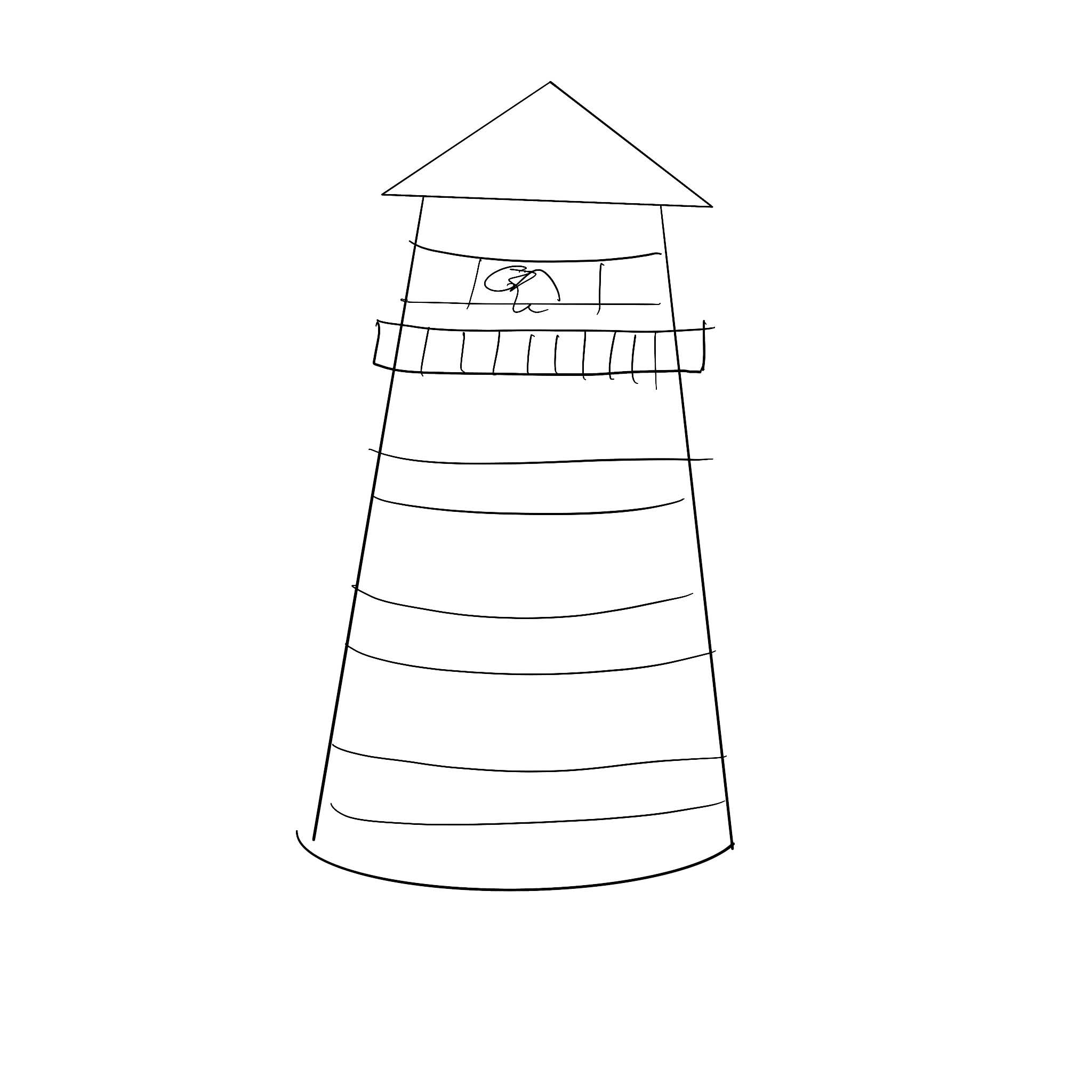
Used the battery holder and copper tape to complete circuit. Used the battery holder and conductive tread to complete circuit. Used conductive fabric on conductive fabric to complete circuit. Used conductive tread on conductive fabric to complete circuit. Tested coins and copper tape to see if it would trigger. Tested coin on coin to see the responsiveness in comparision to the copper tape. Tested to see if my silver ring would have similar results as the coins. I tested foil gum wrappers on copper tape as an ulternative to aluminum foil. I tested the gum wrapper against the small piece of aluminum that I had. Copper tape on copper tape used like a switch. Image on one of my graphite paintings. It it suppose to be a flower. Graphite painting of a cartoon face. Graphite painting of face in use. The outter semi circle is the ground and the eyes were connected to the arrows. Graphte flower painting in use. The vine was the ground and the petals were the arrows. I cut out a tree shape. The trunk used as the ground and the leaves were the arrows. Close up of the tree cut out. Experimenting with the scraps from the cut out making different shapes. I tried to make a lattice to see how it would respond. It ws very finicky making it hard to work with. I saw this artwork at my church. The leaves appear to be made of copper and attached to acrylic. I'm not entirly sure what the base of the tree is made out of. I crumpled up some aluminum foil. I noticed the interaction only worked in the foil was being compressed. I tried to simulate a rolling to see if it would trigger a change. It is quite difficult to roll somthing when it is attached to something that doesn't want to role. I recreated a version of the tree using felt anf condutive fabric. A sketch of a constellation making the stars be the touch points. Another variation of the tree as a sketch. My thought was using multiple materials creating patchwork tree. A not to fleshed out idea of possibly making a lighthouse.

Project 3


Final Project 3 Design

Cake Randomizer. Mixing and matching different elements on a cake into one.

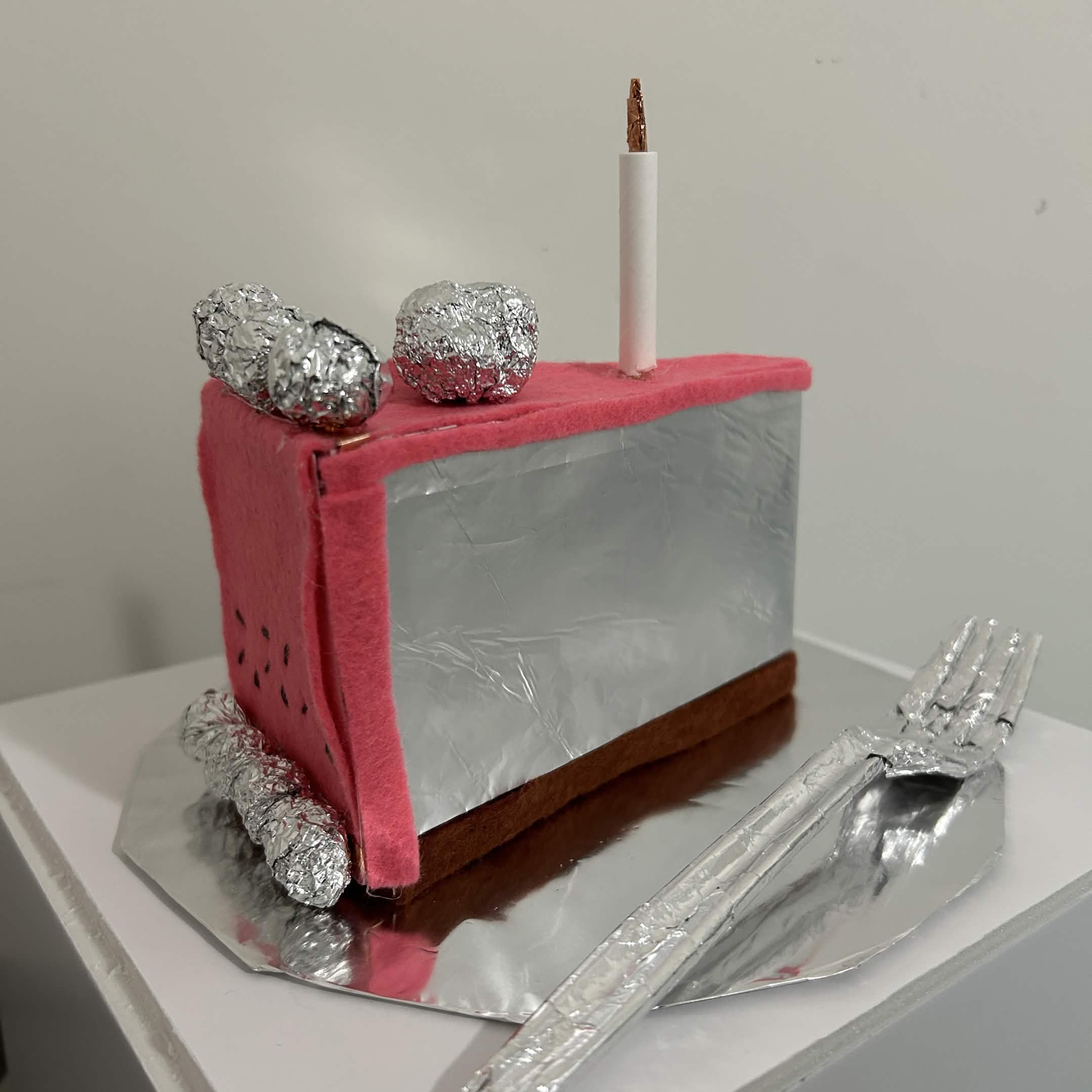
Click here to see it working A cake slice made out of different materials. Mainly using aluminum foil for conductivity. Other materials used are card stock, copper tape, scotch tape, 12 gauge wire, soda cans, craft felt, and a plastic fork. Non conductive materials were used to block circuits from touching each other. <div class='container'> <iframe class='responsive-iframe' src='https://yago.phoenix.sheridanc.on.ca/Module%203%20Cake/'  width=100% height=500px></iframe></div>
×

Powered by w3.css